1
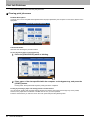
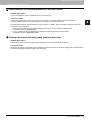
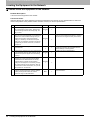
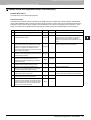
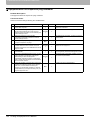
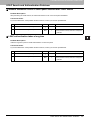
5 TROUBLESHOOTING FOR e-Filing e-Filing Web Utility Problems This section describes troubleshooting for the web browser-based e-Filing web utility. You will also find the error messages and the corrective actions for each message. e-Filing Web Utility terminates the session Problem Description The message “This operation will end your e-Filing session.” appears and e-Filing Web Utility returns to its top page. Corrective Action 1 Clicking the [Return], [Refresh], and [home] button or [login] link leads to this message and e-Filing Web Utility returns to its top page. In this case, try again to do the operation you intended. Corrective Action 2 Closing the window by clicking the [x] button of the browser leads to the message “This operation will end your e-Filing session.” and the e-Filing session ends. Finish your current operation before you close the window. Corrective Action 3 Operating the main window while the sub window is displayed leads to the message “This operation will end your e-Filing session.” and the processing displayed on the sub window ends. Do not operate the main window until the processing on the sub window has been completed. Numerous sub windows repeatedly appear Problem Description Numerous sub windows repeatedly appear and e-Filing becomes uncontrollable. Corrective Action Close all the windows and exit from the web browser. Then restart the browser and clear the cookie files from “Internet Option” (for Internet Explorer). Displaying the items in the Contents Frame takes a long time Problem Description Displaying the items in the Contents Frame takes a long time. Corrective Action Displaying more than 100 items in the Contents Frame may take a long time. Fewer items can be displayed more quickly. 94 e-Filing Web Utility Problems