Transcript
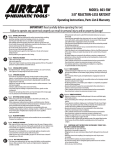
Operation
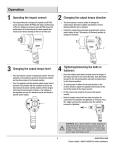
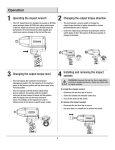
1 Operating the impact wrench
□□ This Impact Wrench is designed to operate on 90 PSIG.
Lower pressure (below 90 PSIG) will reduce performance
of the tool.
□□
CAUTION: Higher air pressure (over 90 PSIG) raises
the performance of the tool beyond its rated capacity
and could cause serious damage to the tool and the
user.
3
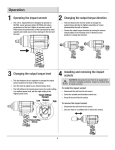
Changing the output torque level
□□ This tool features a high and low torque switch.
□□ Push the torque switch to the higher (H) or lower (L)
position. In the high position torque output is 800 ft lbs.
and in the low position 150 ft. lbs.
2 Changing the output torque direction
□□ This tool features a reverse switch to change the
output torque direction to tighten (assemble) or loosen
(disassemble) the bolt or fastener.
□□ Control the output torque direction by pushing the reverse
switch button to the F (Forward) or R (Reverse) position to
change the direction.
4
Tightening/loosening the bolts or
fasteners
□□ Place the rotation push button located above the trigger of
the impact wrench to the correct direction. Push the button
forward for the Forward position and push the button back
for the Reverse position.
□□ Fit the correct size socket to the anvil of the impact
wrench
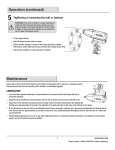
□ Hold the impact wrench with one hand and place the
□ socket onto the nut/bolt to be tightened or removed Press
. and stop the operation once the nut/bolt is
the trigger
□ removed or tightened
.
.
WARNING: Once a bolt or fastener is seated, impacting for
longer than five (5) seconds will cause excessive wear and
possible damage to the impact mechanism. If it takes longer
to tighten or loosen your bolt or fastener, we recommend the
use of a larger sized impact wrench.
6