1
Operation, Maintenance & Cleaning
www.CasablancaFanCo.com
1.888.227.2178
LED
Fan
Speed
Dial
Off
(High)
(Low)
Reverse
Light
ON
D
ON ECE
1
2
+
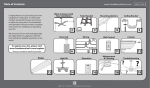
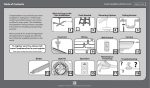
To select fan speed press one of
the numbers on the Fan Speed
Dial. To calibrate the fan speed,
run the fan on “6” for 90 seconds
after each AC power reset. The
small LED button on the remote
flashes to indicate a signal has
been sent to the fan.
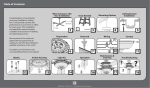
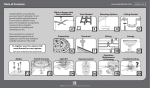
To reverse the air flow direction,
press the Reverse button while
fan is running. Press Light button
to turn lights off/on. To dim the
lights, press the light button for
more than one second. Light will
cycle from brightest to dimmest.
Release the light button when
desired brightness is achieved.
3
SET
4
_
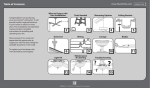
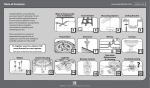
To change the battery, remove
the battery door. Remove battery
and replace with A23 or MN21
alkaline battery. Please observe
proper polarity placement.
14
M8524-01 • 04/29/14 • © Casablanca Fan Company
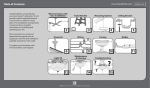
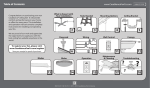
For cleaning the fan, use soft
brushes or cloths to prevent
scratching. Cleaning products
may damage the finishes.