1
C HAPTER
17
WAN
17.1 Overview
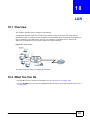
This chapter discusses the NBG4615’s WAN screens. Use these screens to configure your NBG4615
for Internet access.
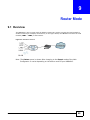
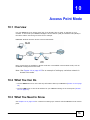
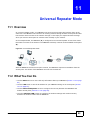
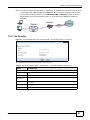
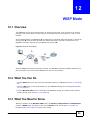
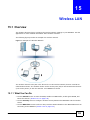
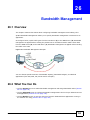
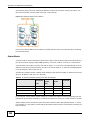
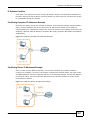
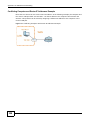
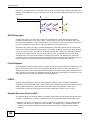
A WAN (Wide Area Network) connection is an outside connection to another network or the
Internet. It connects your private networks such as a LAN (Local Area Network) and other
networks, so that a computer in one location can communicate with computers in other locations.
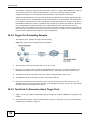
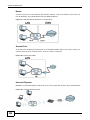
Figure 94 LAN and WAN
17.2 What You Can Do
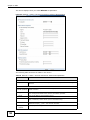
• Use the Internet Connection screen to enter your ISP information and set how the computer
acquires its IP, DNS and WAN MAC addresses (Section 17.4 on page 151).
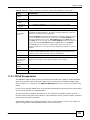
• Use the Advanced screen to enable multicasting, configure Windows networking and bridge
(Section 17.5 on page 159).
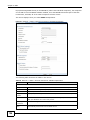
• Use IGMP Snooping screen to enable IGMP snooping in the LAN ports (Section 17.6 on page
160).
17.3 What You Need To Know
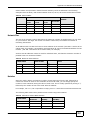
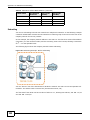
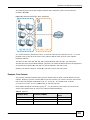
The information in this section can help you configure the screens for your WAN connection, as well
as enable/disable some advanced features of your NBG4615.
NBG4615 User’s Guide
149