1
Chapter 3 Tutorial
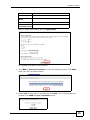
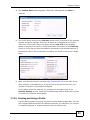
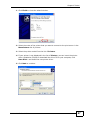
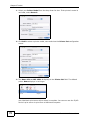
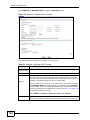
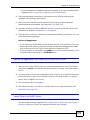
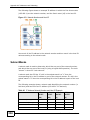
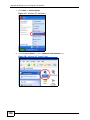
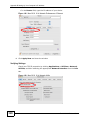
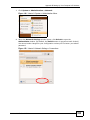
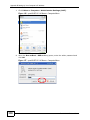
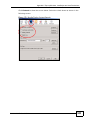
Click Next.
7
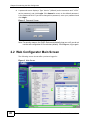
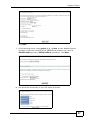
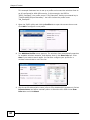
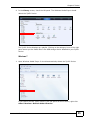
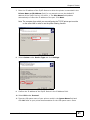
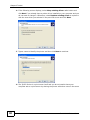
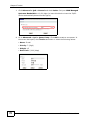
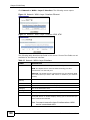
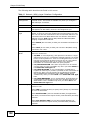
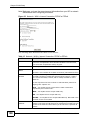
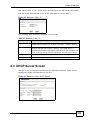
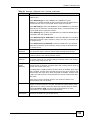
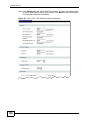
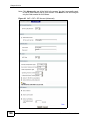
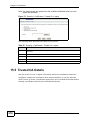
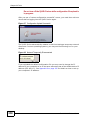
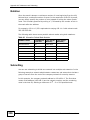
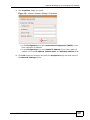
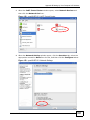
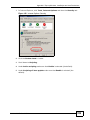
In the following screen, select pppoe_2_1_1/nas1 as your default Internet
connection. And enter the DNS server addresses provided to you, such as
255.255.255.0 (primary)/255.255.254.0 (secondary). Click Next.
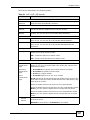
8
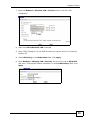
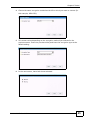
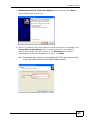
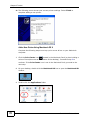
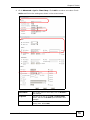
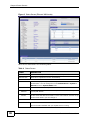
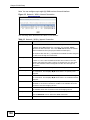
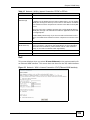
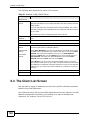
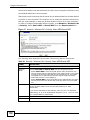
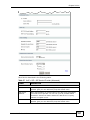
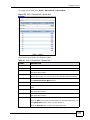
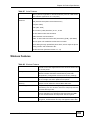
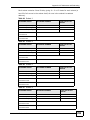
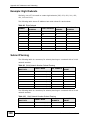
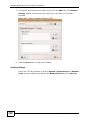
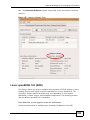
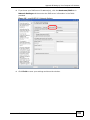
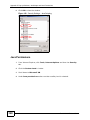
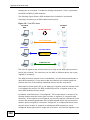
You should see a summary of your DSL setup as follows.
P-2612HNU-Fx User’s Guide
37