1
U SI N G Y O U R RANGE
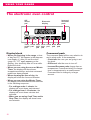
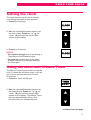
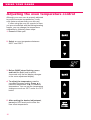
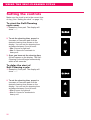
2. Press the Cook Time pad.
COOK
TIME
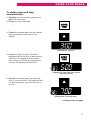
3. Press the Increase pad until the desired
baking/roasting time shows on the display.
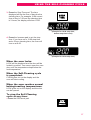
4. Press the Bake pad. The last oven temperature to be set appears on the display.
NOTE: If this step is not done, a tone
will sound.
5. Press Increase or Decrease pad until the
desired temperature shows on the display.
6. When the oven starts to heat, ON and
the changing temperature (starting at
100°F) will be displayed. When the oven
reaches the set temperature, a tone will
sound.
NOTE: You can change the temperature
setting any time during the Bake cycle by
repeating Steps 4 and 5 above.
7. Remove food from the oven.
NOTE: Even though oven shuts off automatically, food continues cooking after
controls are off.
20
BAKE