1
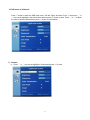
3.2.1 Audio menu
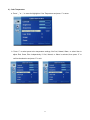
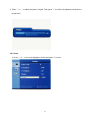
Press “
1”to get the OSD, press “
or “
to move the highlight to Audio menu, and then press “
1”to
△”
▽“
enter Audio adjustment,which is done by pressing “
or “
.
△”
▽“
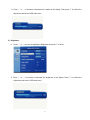
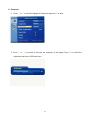
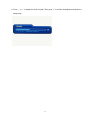
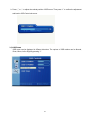
1) Volume
a. Press “
△”
or “
▽“
to increase or decrease the volume of the built-in speakers. Then press “
1”to confirm
the adjustment and back to Audio menu.
18