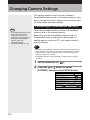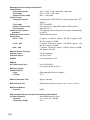
1
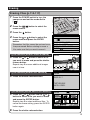
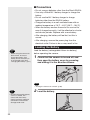
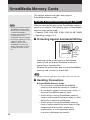
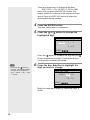
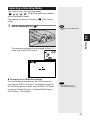
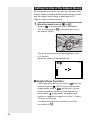
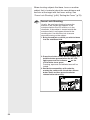
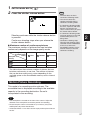
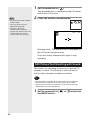
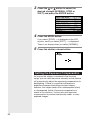
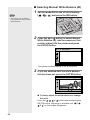
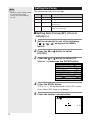
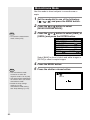
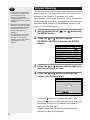
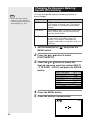
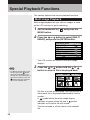
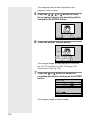
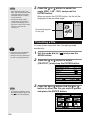
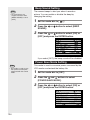
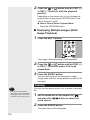
The
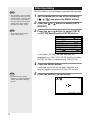
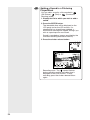
mark will be displayed on the LCD monitor.
28
2
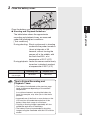
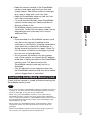
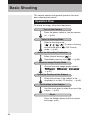
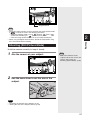
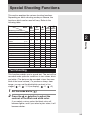
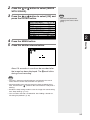
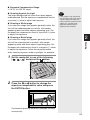
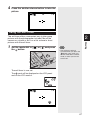
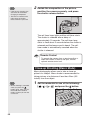
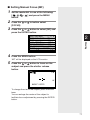
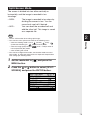
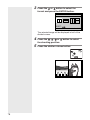
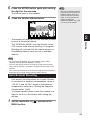
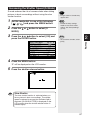
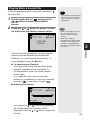
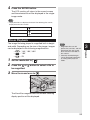
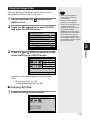
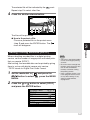
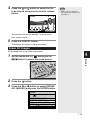
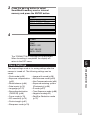
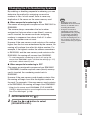
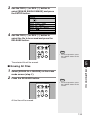
Bring the camera close to the subject and
decide the composition of the picture.
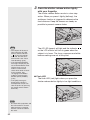
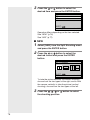
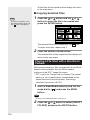
Press the shutter release button lightly to
set the focus.
2
Shooting
3
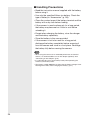
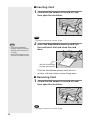
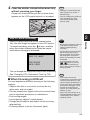
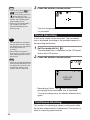
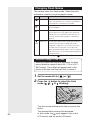
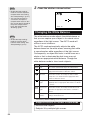
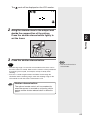
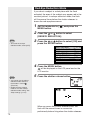
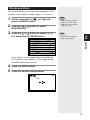
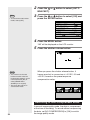
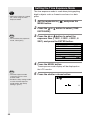
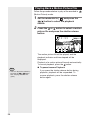
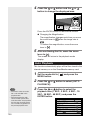
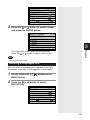
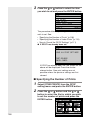
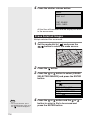
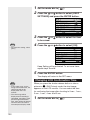
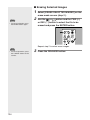
Press the shutter release button.
Important
Note
Note
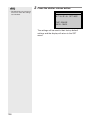
• The flash will not fire in
macro mode.
• The focusing range is so small in macro mode that the focus can be
lost if the camera is moved. Make sure the camera is firmly positioned
by mounting it on a tripod, for example, to keep it steady when
shooting.
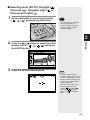
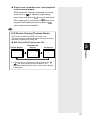
• As there is a wide margin between the field of view through the
viewfinder and the shooting range, check the shooting range on the
LCD monitor or with the camera connected to a TV.
Tips
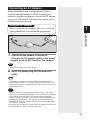
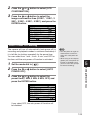
Shutter release button
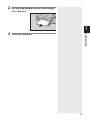
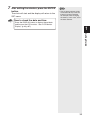
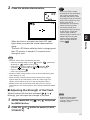
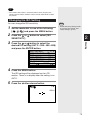
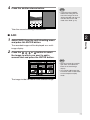
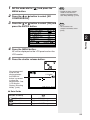
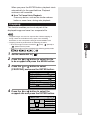
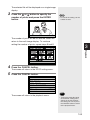
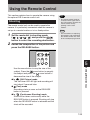
The optional remote control unit is convenient for
when the camera is mounted on a tripod or similar
device and the shutter release button is difficult to
press.
69