1
Printing the Network Interface Card Configuration Sheet
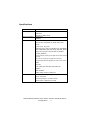
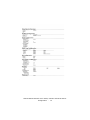
The printer’s configuration page reports information that is
required for NetWare configuration. To print a configuration page,
while the printer is switched on, depress the NIC’s push-button for
two seconds and then release.
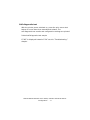
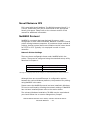
The Ethernet address (MAC Address) of the printer can be found on
the self-diagnostic printout, which can be printed by pressing the
push-button on the network card for two seconds and then
releasing it.
The first six digits of the Ethernet address are the same for all
OkiLan print servers. The last six digits of the Ethernet address are
unique to each card
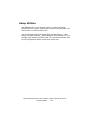
This is all the information that is required to setup the OkiLan for
NetWare.
OkiLAN 8300e Network User’s Guide, C6000n and C6100 Series
Novell NetWare - 99