1
MultiMobile MT128ZLX User Guide
4: Windows NT API Usage
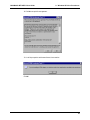
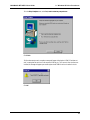
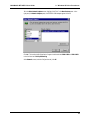
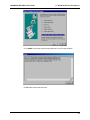
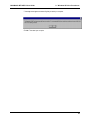
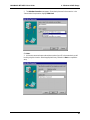
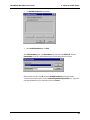
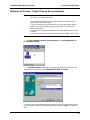
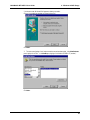
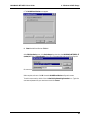
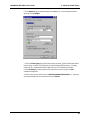
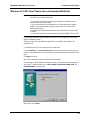
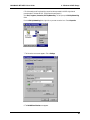
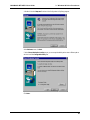
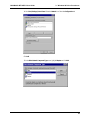
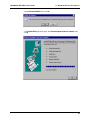
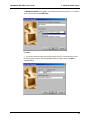
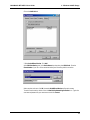
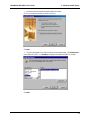
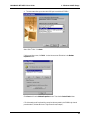
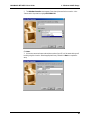
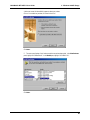
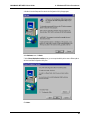
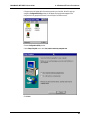
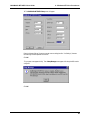
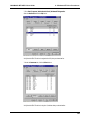
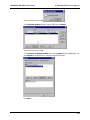
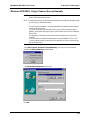
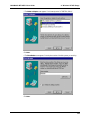
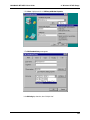
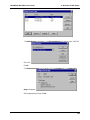
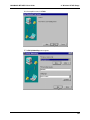
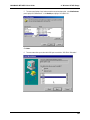
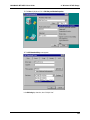
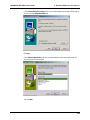
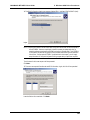
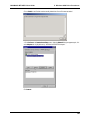
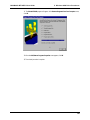
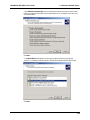
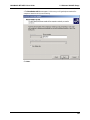
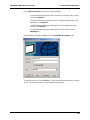
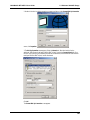
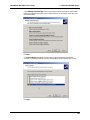
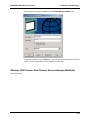
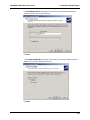
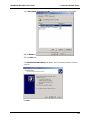
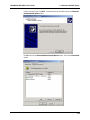
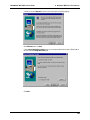
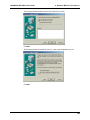
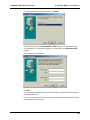
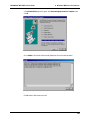
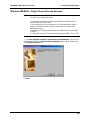
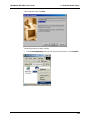
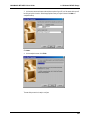
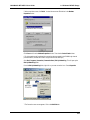
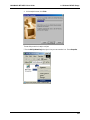
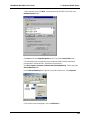
3. The Add RAS Device screen appears. In the RAS-capable devices drop-down box, select “COM3-RVS
ISDN V.120.”
Click OK.
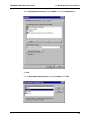
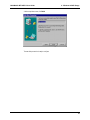
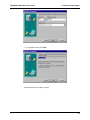
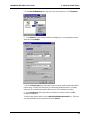
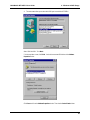
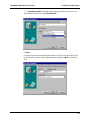
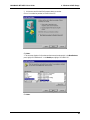
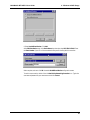
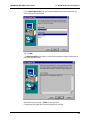
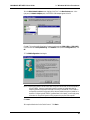
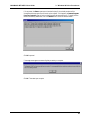
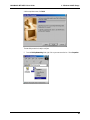
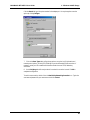
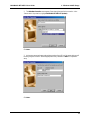
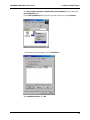
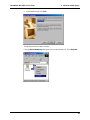
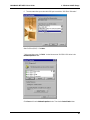
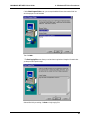
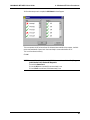
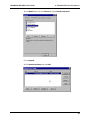
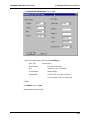
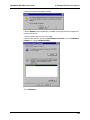
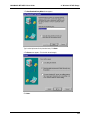
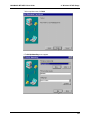
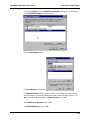
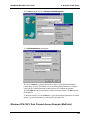
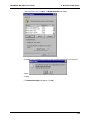
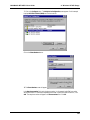
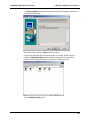
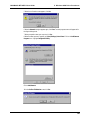
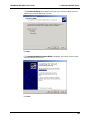
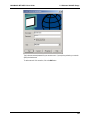
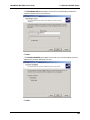
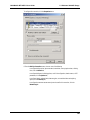
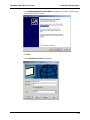
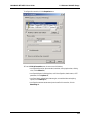
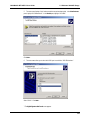
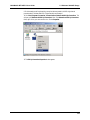
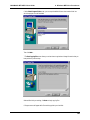
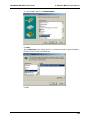
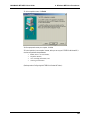
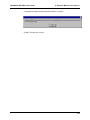
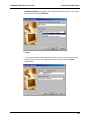
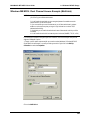
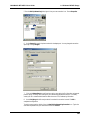
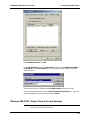
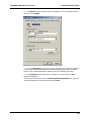
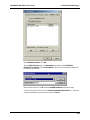
4. The Remote Access Setup screen re-appears. Click on the Configure button. The Configure Port
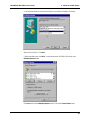
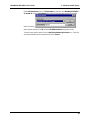
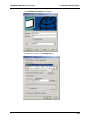
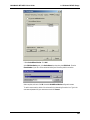
Usage screen appears.
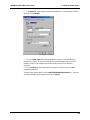
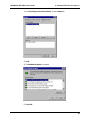
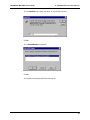
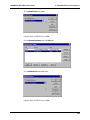
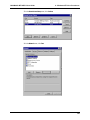
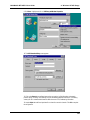
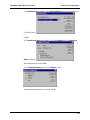
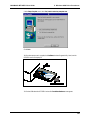
Select the appropriate port usage. Click OK.
122