1
SNMP Commands
4
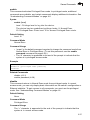
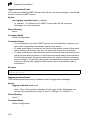
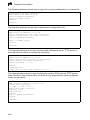
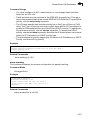
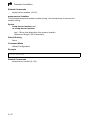
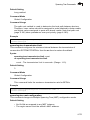
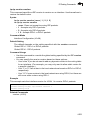
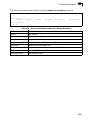
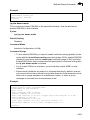
Example
Console(config)#snmp-server user steve group r&d v3 auth md5 greenpeace
priv des56 einstien
Console(config)#
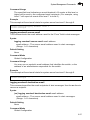
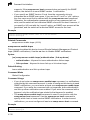
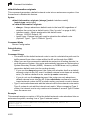
show snmp user
This command shows information on SNMP users.
Command Mode
Privileged Exec
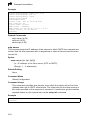
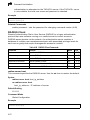
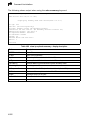
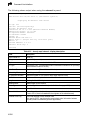
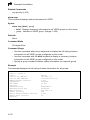
Example
Console#show snmp user
EngineId: 01000000000000000000000000
User Name: steve
Authentication Protocol: md5
Privacy Protocol: des56
Storage Type: nonvolatile
Row Status: active
Console#
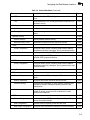
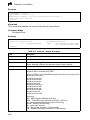
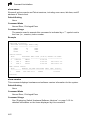
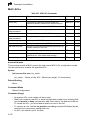
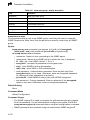
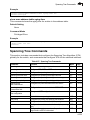
Table 4-42 show snmp user - display description
Field
Description
EngineId
String identifying the engine ID.
User Name
Name of user connecting to the SNMP agent.
Authentication Protocol
The authentication protocol used with SNMPv3.
Privacy Protocol
The privacy protocol used with SNMPv3.
Storage Type
The storage type for this entry.
Row Status
The row status of this entry.
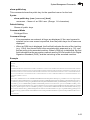
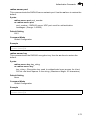
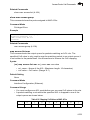
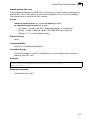
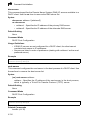
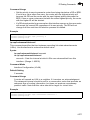
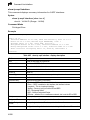
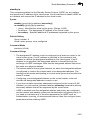
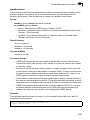
snmp ip filter
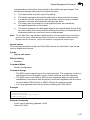
This command sets the IP addresses of clients that are allowed management
access to the switch via SNMP. Use the no form the remove an IP address.
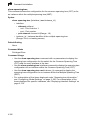
Syntax
[no] snmp ip filter ip_address subnet_mask
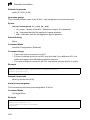
• ip_address - An IP address indicating a client or group of clients that are
allowed SNMP access to the switch.
• subnet_mask - An address bitmask of decimal numbers that represent the
address bits to match.
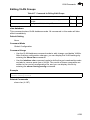
Default Setting
None
Command Mode
Global Configuration
4-125