1
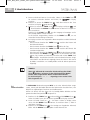
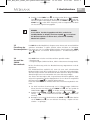
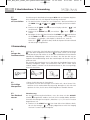
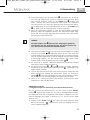
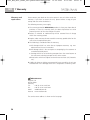
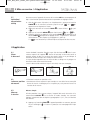
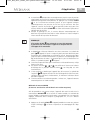
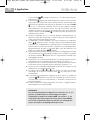
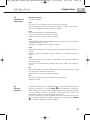
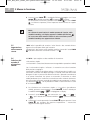
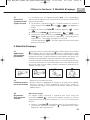
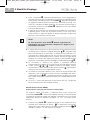
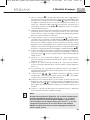
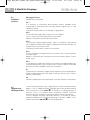
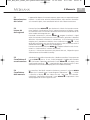
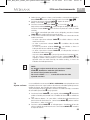
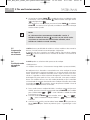
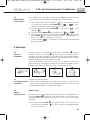
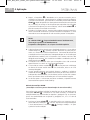
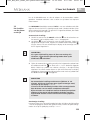
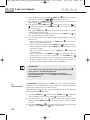
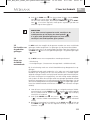
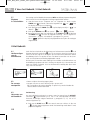
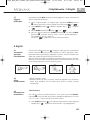
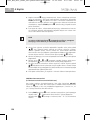
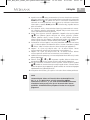
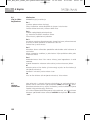
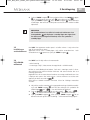
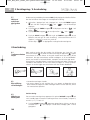
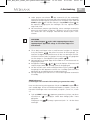
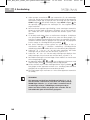
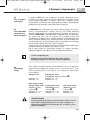
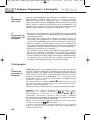
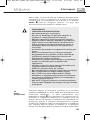
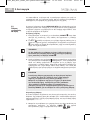
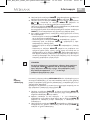
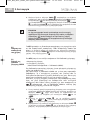
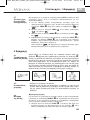
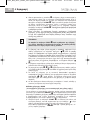
51080_MTX_West_FINAL_akt.qxd:Blutdruckmessgerät 10.09.2009 11:16 Uhr Seite 31 5 Memory GB 5.1 Recording the results This unit features 2 separate memories, each with a capacity of 99 memory slots. Results are automatically stored in the memory selected by the user. When the memory is full, the oldest reading is always the first to be deleted. 5.2 Displaying stored results Press the MEMORY button to display the stored readings. After all the segments in the display have been shown, an average value of all the measurements in the selected memory is displayed. This average is indicated by “ ”. When the MEMORY button is pressed again, the individual readings (switching between systolic, diastolic, pulse and date/time) of the last measurement stored are displayed. If this measurement was taken in the 3MAM procedure, is displayed. If an arrhythmia was detected during the measuring process, the arrhythmia symbol will be displayed, but not flashing. Press the MEMORY button again to move backwards through the stored readings. If you do not press any buttons for approx. 1 minute, the device automatically switches back to standby mode. 5.3 Deleting a measurement Select the entry for the measurement you want to delete. Press and hold the START button for approx. 10 seconds until the memory symbol flashes. Confirm your deletion request by pressing the MEMO button . “ ” appears briefly on the display and 2 short beeps sound. The entry you selected has been deleted. The display returns to standby mode. 5.4 Deleting memory The data can be deleted from the memory selected by pressing and holding the MEMORY button for about 7 seconds. After 7 seconds, the display shows “ ” ( CLEAR ) which indicates that all data will be deleted. Confirm your deletion request by pressing the MEMO button again. Three short beeps sound during the procedure. 31