1
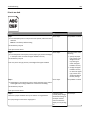
Learning about the printer
13
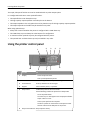
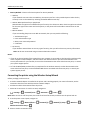
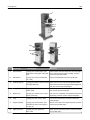
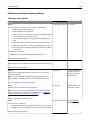
Use the
To
7
Back button
Return to the previous screen.
8
Home button
Go to the home screen.
9
Indicator light
Check the status of the printer.
10
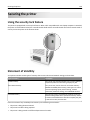
USB port
Connect a flash drive to the printer.
Note: Only the front USB port supports flash drives.
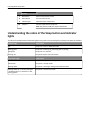
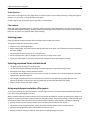
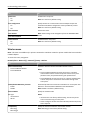
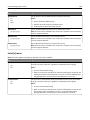
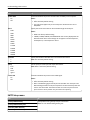
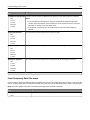
Understanding the colors of the Sleep button and indicator
lights
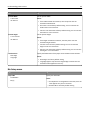
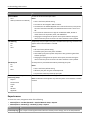
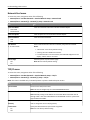
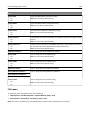
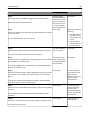
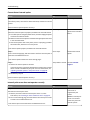
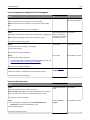
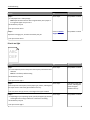
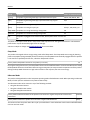
The colors of the Sleep button and indicator lights on the printer control panel signify a certain printer status or condition.
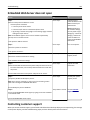
Indicator light
Printer status
Off
The printer is off or in Hibernate mode.
Blinking green
The printer is warming up, processing data, or printing.
Solid green
The printer is on, but idle.
Blinking red
The printer requires user intervention.
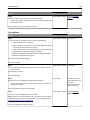
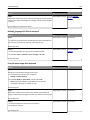
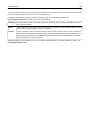
Sleep button light
Printer status
Off
The printer is off, idle or in Ready state.
Solid amber
The printer is in Sleep mode.
Blinking amber
The printer is entering or waking from Hibernate mode.
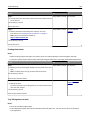
Blinking amber for 0.1 second, then goes
completely off for 1.9 seconds in a slow,
pulsing pattern
The printer is in Hibernate mode.