1
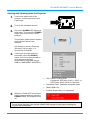
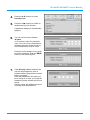
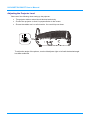
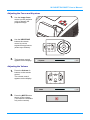
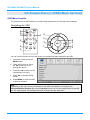
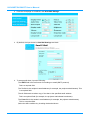
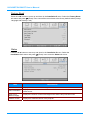
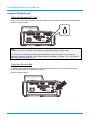
IN134UST/IN136UST User’s Manual Starting and Shutting down the Projector 1. Connect the power cord to the projector. Connect the other end to a wall outlet. 2. Turn on the connected devices. 3. Ensure the POWER LED displays a solid green. Then press the POWER button of the remote to turn on the projector. The projector splash screen displays and connected devices are detected. See Setting an Access Password (Security Lock) on page 12 if security lock is enabled. 4. 5. If more than one input device is connected, press the SOURCE button of the remote and use ▲▼ to scroll among the devices. (Component is supported using a RGB to COMPONENT ADAPTER.) VGA 1/VGA 2: Analog RGB Component: DVD input YCbCr / YPbPr, or HDTV input YPbPr via HD15 connector Composite Video: Traditional composite video HDMI: HDMI, DVI S-Video: Super video (Y/C separated) When the “Power Off? Press Power again” message appears, press the POWER button. The projector turns off. Caution: Do not unplug the power cord until the POWER LED changes to solid green–indicating the projector has cooled down. – 11 –