1
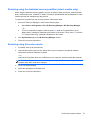
If the Setup Utility menus are not visible, press esc to return to the menu display. Then use the
arrow keys to select Exit > Exit Discarding Changes, and then press enter. After either choice,
the computer restarts in Windows.
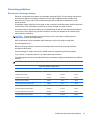
Setup Utility Menus
Main Menu
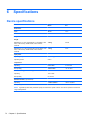
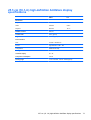
The menu tables in this section provide an overview of the Setup Utility options
NOTE: Some of the Setup Utility menu items listed in this chapter may not be supported by your
computer.
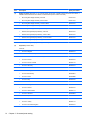
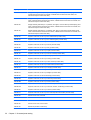
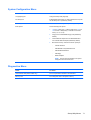
Select
To do this
System information
●
View and change the system time and date.
●
View identification information about the computer.
●
View specification information about the processor,
memory size, and system BIOS.
Security Menu
70
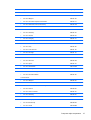
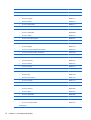
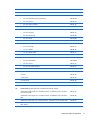
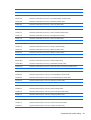
Select
To do this
Administrator password
Enter, change, or delete an administrator password.
Power-On password
Enter, change, or delete a power-on password.
Chapter 5 Setup Utility