1
Hazard Avoidance
Flight
Instruments
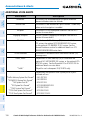
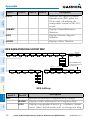
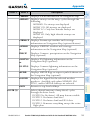
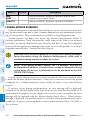
TERRAIN AWARENESS & WARNING SYSTEM
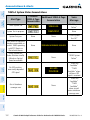
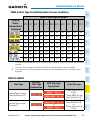
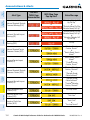
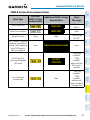
TAWS-A (Optional)
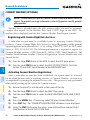
NOTE: TAWS operation is only available when the system is configured for
a TAWS-A installation.
Procedures
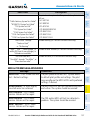
Manual System Test
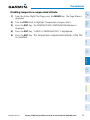
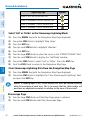
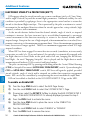
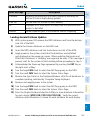
1) While the TAWS-A Page is displayed, press the MENU Key.
Hazard
Avoidance
2) Turn the small FMS Knob to select ‘Test TAWS System’.
3) Press the ENT Key. During the test ‘TAWS TEST’ is displayed in the center
of the TAWS-A Page.
When all is in working order, “TAWS System Test, OK” is heard.
Additional
Features
Flight
Planning
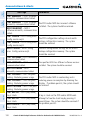
NOTE: The Terrain Awareness and Warning System (TAWS) may not operate
reliably north of 89º North latitude and south of 89º South latitude. This is
due to limitations present within the Terrain database and the system’s ability
to process the data representing the affected areas (GRS 7800 installations
only).
GPS Nav
NOTE: Terrain data is not displayed when the aircraft is outside the installed
terrain database coverage area.
AFCS
Nav/Com/
XPDR/Audio
WARNING: The TAWS display shows supplemental information only. It should
not be used for navigation.
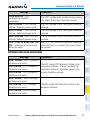
Displaying the TAWS-A Page
Annun/Alerts
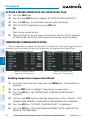
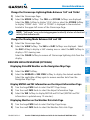
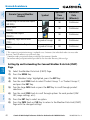
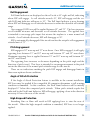
1) Turn the large FMS Knob to select the Map Page Group.
2) Turn the small FMS Knob to select the TAWS-A Page.
Appendix
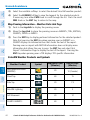
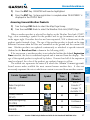
3) If desired, select the VIEW Softkey to access the ARC and 360 softkeys.
When the ARC Softkey is selected, a radar-like 120° view is displayed.
Select the 360 Softkey to return to the 360° default display.
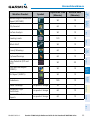
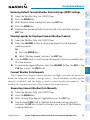
4) Rotate the Joystick clockwise to increase the display range or rotate
counter-clockwise to decrease the display range.
Index
190-00929-04 Rev. A
Garmin G1000 Cockpit Reference Guide for the Beechcraft 200/B200 Series
65