1
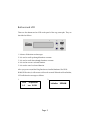
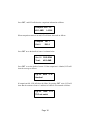
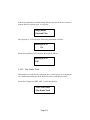
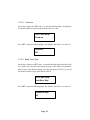
LCD will show the testing information as follows.
Testing- DVD
4213.4MB
0%
d:20:15
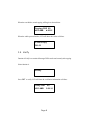
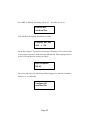
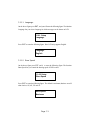
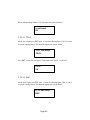
When the test comes to an end, LCD will show the results as follows.
2.Test
OK: 03
Stopping the test halfway does not affect the DVD disks, but if the DVD-rewriteable
disks contain important data, they may be destroyed.
5.3 Test & Copy
Function 3 Test & Copy is to test first and then copy actually.
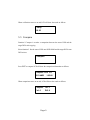
Select function 3. Put a source DVD onto DVD-ROM and blank DVD disks onto
the DVD writers.
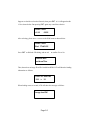
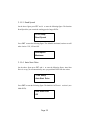
3.Test & Copy
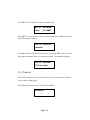
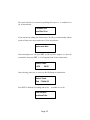
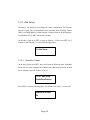
Press ENT to start simulation. LCD will show the testing information as follows.
Testing- DVD
4213.4MB
Page 7
0%
d:20:15