1
SP RX600 Users Guide.book Page 34 Thursday, January 29, 2004 1:08 PM
■
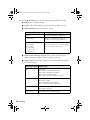
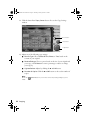
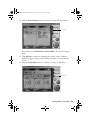
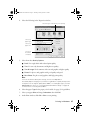
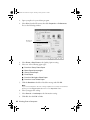
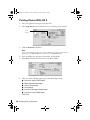
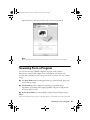
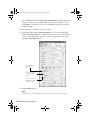
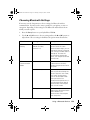
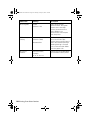
Enable or disable the automatic document enhancement feature. (This
feature automatically enhances the image color and appearance in your
copies.)
Note:
Disabling the automatic document enhancement feature may cause a gray or light
colored background to appear on your copies.
■
Add a sepia, blue, or black and white filter
■
Adjust brightness, contrast, or saturation levels
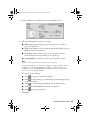
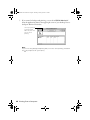
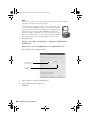
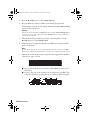
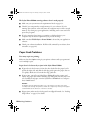
17. Click the
Copy button to start copying.
Note:
Never open the scanner lid while copying, or your copies may not look right.
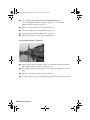
If you need to stop a copy job in progress, click the
Stop button.
Note:
For more information on Smart Panel copy settings, see the on-screen Smart Panel
User Guide or click ? on the main Smart Panel window.
34 Copying