1
10
Reports — Reference
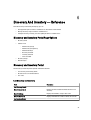
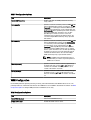
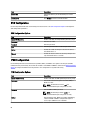
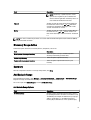
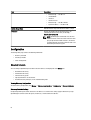
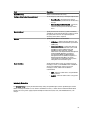
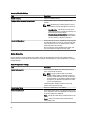
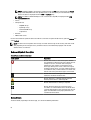
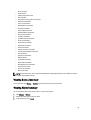
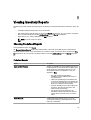
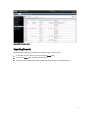
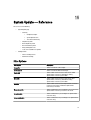
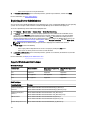
From Reports you can view the following:
•
Agent and Alert Summary
•
Server Overview
•
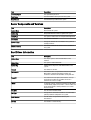
Server components and versions
•
Hard Drive Information
•
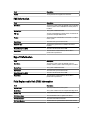
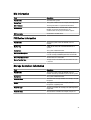
ESX Information
•
HyperV Information
•
FRU Information
•
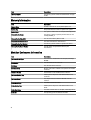
Memory Information
•
Modular Enclosure Information
•
NIC Information
•
Hard Drives Inventory
•
PCI Device Information
•
Storage Controller Information
•
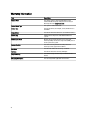
Warranty Information
You can also filter the information based on a device or group by clicking Filter by and then selecting the device or
group.
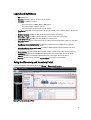
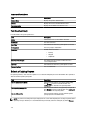
The summary page lists the following:
•
Systems using specific Server Administrator agent
•
Systems without Server Administrator agent
•
Summary of Server Administrator agents and systems
•
Active systems based on event occurrence
•
Top five systems with most event
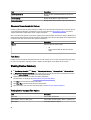
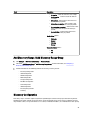
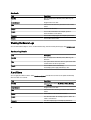
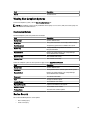
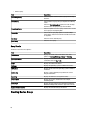
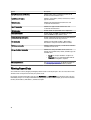
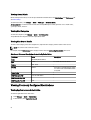
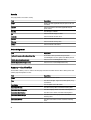
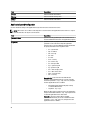
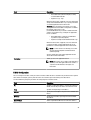
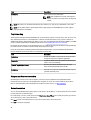
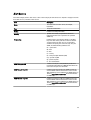
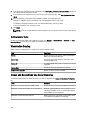
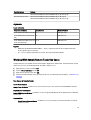
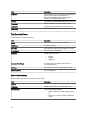
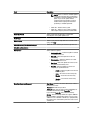
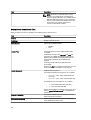
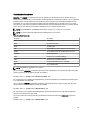
Server Overview
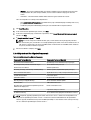
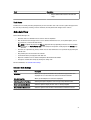
Field
Description
System Name
The unique system’s name that identifies it on the
network.
System Type
The system’s model information.
Operating System
The operating system installed on the system.
Processor Count
The number of processors installed on the system.
Processor Family
The type of processor installed on the system.
Processor Cores
The number of processor cores.
73