1
BASIC IMAGE RECORDING
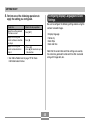
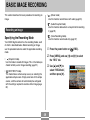
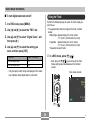
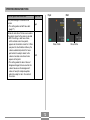
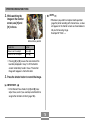
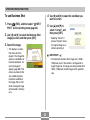
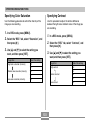
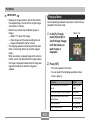
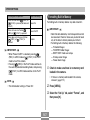
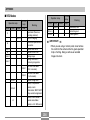
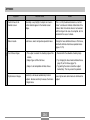
To do this:
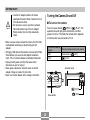
Specify a 10-second self-timer
10s
10 sec
Specify a 2-second self-timer
2s
2 sec
Specify Triple Self-timer
x3
X3
Disable the self-timer
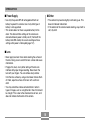
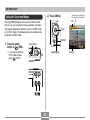
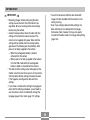
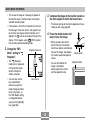
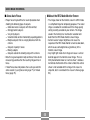
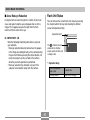
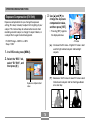
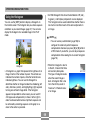
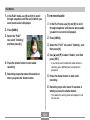
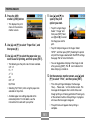
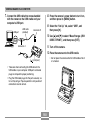
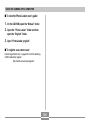
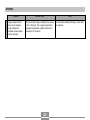
1. The camera performs a 10-second countdown
and then records the first image.
Select this setting:
2. The camera prepares to record the next image.
The amount of time required for preparation
depends on the camera’s current “Size” and
“Quality” settings, the type of memory (built-in or
card) you are using for image storage, and
whether or not the flash is charging.
Off
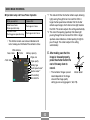
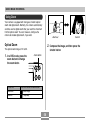
3. After preparation is complete, the indicator “1sec”
appears on the monitor screen, and another
image is recorded one second later.
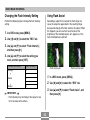
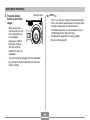
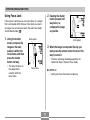
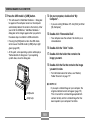
• This causes an
indicator identifying the
selected self-timer type
to appear on the
monitor screen.
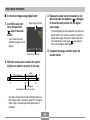
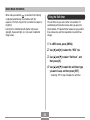
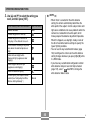
4. Steps 2 and 3 are repeated once more to record
the third image.
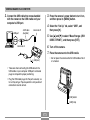
• With the Triple Self-timer,
the camera records a
series of three images in
the sequence described
below.
65