1
Doing more with your camera
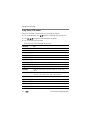
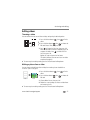
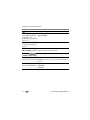
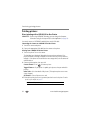
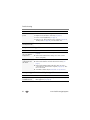
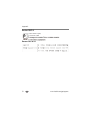
Using the Setup menu
Use Setup to customize other camera settings.
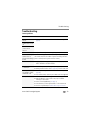
Settings
More information
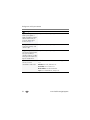
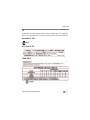
Date & Time
Set date and time.
LCD Brightness
Choose LCD brightness during
picture/video capture. (During Review, the
LCD is set to High Power.)
Auto—LCD brightness is automatically adjusted
according to environment.
High Power—Brighter LCD; uses more battery
power.
Power Save—Dimmer LCD; uses less power.
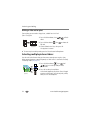
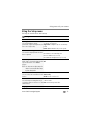
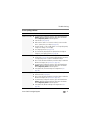
Share Button Settings
Show or hide:
Choose what is displayed when the Share ■ Individual social networking sites
button is pressed.
■ E-mail addresses (all or none)
■ KODAK PULSE Digital Frames (all or none)
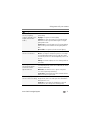
Date Stamp
On
Add a stamp—showing the date/time that Off
a picture was taken—to all future
pictures.
NOTE: You cannot remove a date stamp on the
camera. You cannot add a date stamp to
a picture already taken.
Camera Sounds
All on—Alert sounds are on.
Choose volume, and sound effects for each Shutter only
function.
All off—Alert sounds are off.
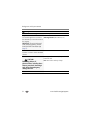
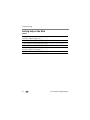
NTSC—Used in North America and Japan; most
Video Out
Choose the regional setting that lets you common format.
connect the camera to a television or other PAL—Used in Europe and China.
external device.
Language
www.kodak.com/go/support
Choose your language.
33