1
Description
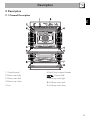
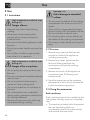
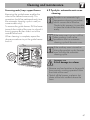
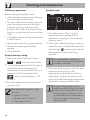
2.2 Control panel
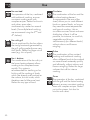
1 Main oven temperature knob
6 Auxiliary oven function knob
This knob allows you to select the cooking
time and temperature, set programmed
cooking and the current time as well as turn
the light inside the oven on and off.
The oven's various functions are suitable for
different cooking modes. After selecting the
required function, set the cooking
temperature using the temperature knob.
2 Main oven function knob
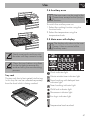
2.3 Other parts
This knob allows you to turn the appliance
on and off and select the cooking function.
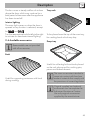
Shelves
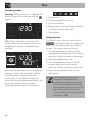
Displays the current time, the selected
cooking temperature and function and any
time set.
The appliance features shelves for
positioning trays and racks at different
heights. The insertion heights are indicated
from the bottom upwards (see 2.1 General
Description).
4 Auxiliary oven temperature knob
Cooling fan
3 Main oven display
This knob allows you to select the cooking
temperature.
Turn the knob clockwise to the required
value, between the minimum and maximum
settings.
5 Auxiliary oven thermostat indicator
light
The thermostat indicator light remains lit
when the oven is heating up. Once the oven
has reached the selected temperature the
indicator light switches off.
The fan cools the oven and comes into
operation during cooking.
44