1
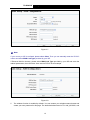
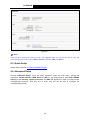
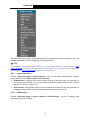
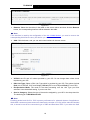
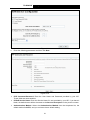
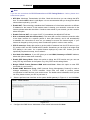
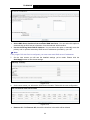
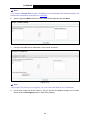
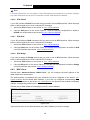
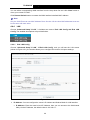
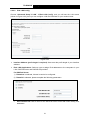
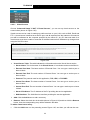
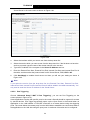
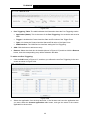
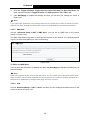
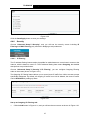
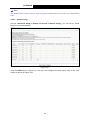
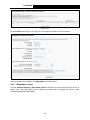
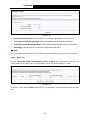
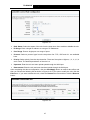
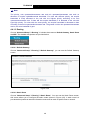
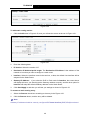
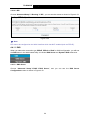
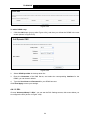
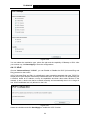
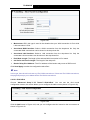
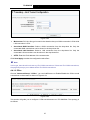
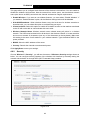
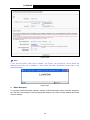
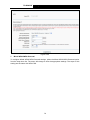
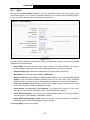
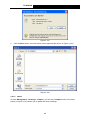
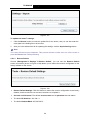
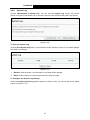
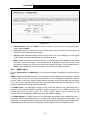
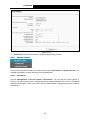
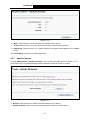
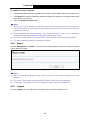
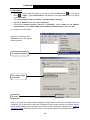
TD-W8950N 150Mbps Wireless N ADSL2+ Modem Router User Guide Figure 4-43 Click the Add button Figure 4-43, and you can configure the QoS on the next screen. Figure 4-44 After you specify the condition, click Apply/Save to save the entry. 4.4.9 Bandwidth Control Choose “Advanced Setup”“Bandwidth Control” and then you will see the screen as shown in Figure 4-45. This page allows you to enable this function and to configure the value of Total Upstream/Downstream Bandwidth. 45