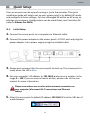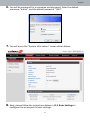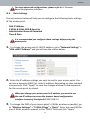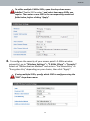
1
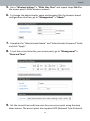
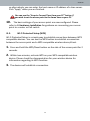
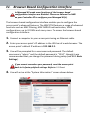
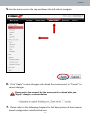
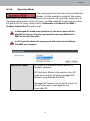
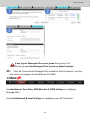
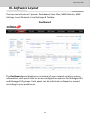
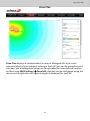
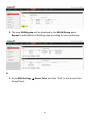
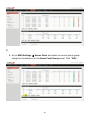
Edimax Pro NMS 5. Open a web browser and enter the AP Controller’s IP address in the address field. The default IP address is 192.168.2.2 Your computer’s IP address must be in the same subnet as the AP Controller. Refer to V-1. Configuring your IP Address for help. If you changed the AP Controller’s IP address, or if your gateway/router uses a DHCP server, ensure you enter the correct IP address. Refer to your gateway/router’s settings. 6. Enter the username & password to login. The default username & password are admin & 1234. 7. You will arrive at the Edimax Pro NMS Dashboard. Go to “Management” “Operation Mode” and select “AP Controller Mode” from the drop down menu. 86