1
Preset Modes
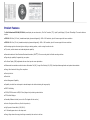
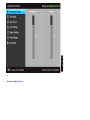
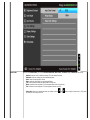
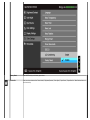
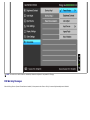
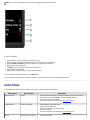
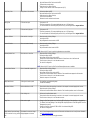
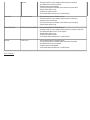
When you select Preset Modes, you can choose Standard, Multimedia, Movie, Game, Text, Warm, Cool or Custom Color from the list.
Standard: Loads the monitor's default color settings. This is the default preset mode.
Multimedia: Loads color settings ideal for multimedia applications.
Movie: Loads color settings ideal for movies.
Game: Loads color settings ideal for most gaming applications.
Text: Loads brightness and sharpness settings ideal for viewing texts.
Warm: Increase the color temperature. The screen appears warmer with a red/yellow tint.
Cool: Decreases the color temperature. The screen appears cooler with a blue tint.
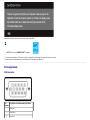
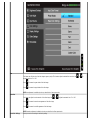
Custom Color: Allows you to manually adjust the color settings. Press the
and create your own preset color mode.
and
buttons to adjust the three colors (R, G, B) values