1
Section 3 - Getting Started
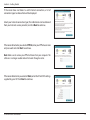
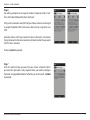
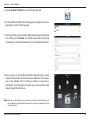
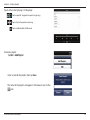
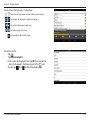
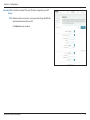
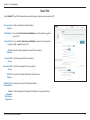
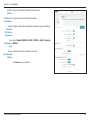
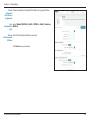
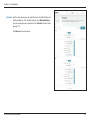
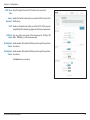
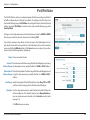
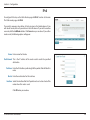
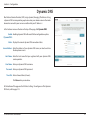
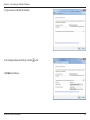
For both the 2.4 GHz and 5 GHz segments, create a Wi-Fi network name
(SSID) using up to 32 characters.
Create a Wi-Fi password (between 8-63 characters). Your wireless clients
will need to have this passphrase or key entered to be able to connect
to your wireless network.
Click Next to continue.
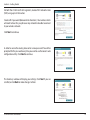
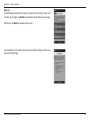
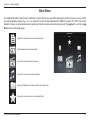
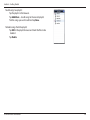
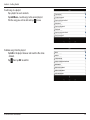
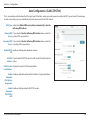
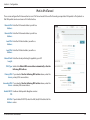
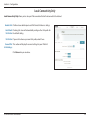
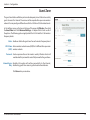
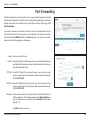
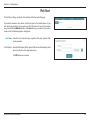
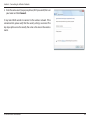
In order to secure the router, please enter a new password. You will be
prompted for this password every time you want to use the router’s web
configuration utility. Click Next to continue.
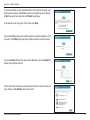
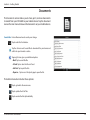
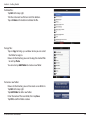
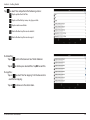
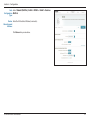
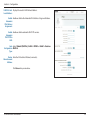
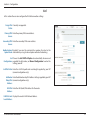
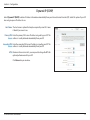
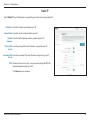
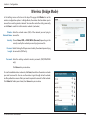
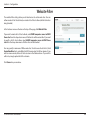
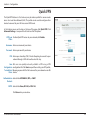
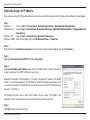
The Summary window will display your settings. Click Next if you are
satisfied, or click Back to make changes to them.
D-Link DIR-880L User Manual
16