1
MY BOOK
USER MANUAL
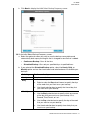
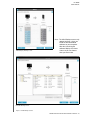
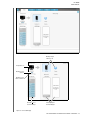
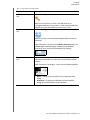
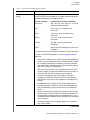
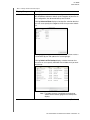
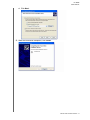
c. Click Next to display the initial Backup screen. The initial Backup screen display
depends on the type of backup you selected at step 13 on page 13. (See Figure 7
on page 16.)
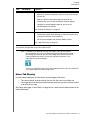
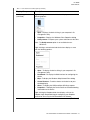
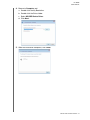
15. On the initial Backup screen you can either:
•
Run your first backup—See “Backing Up Files” on page 33 before clicking
Enable Backup.
•
Click Skip Backup to skip the backup.
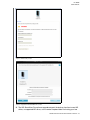
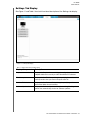
16. Click OK to close the Backup Plan configuration complete message:
CONNECTING THE DRIVE AND GETTING STARTED – 15