1
Benutzerhandbuch
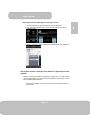
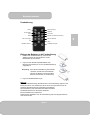
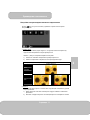
Projecting from Smartphones or Tablets
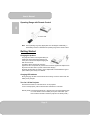
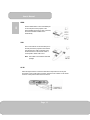
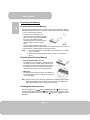
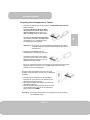
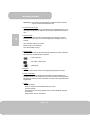
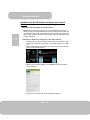
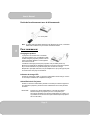
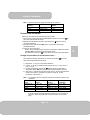
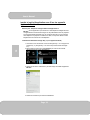
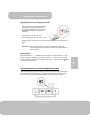
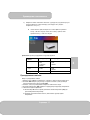
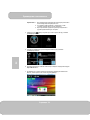
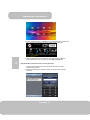
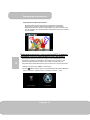
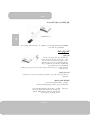
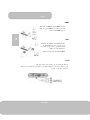
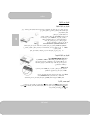
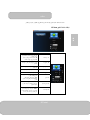
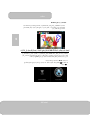
Verbinden Sie Samsung Galaxy S4, Note II
über ein MHL (A zu USB D Typ HDMI) Kabel
und Samsung 5 zu 11 Pin MHL Konverter
(wie Abbildung) für die Projektion.
Anmerkung: Es ist normal, dass der Projektor die Smartphones oder Tablets
automatisch lädt, wenn Sie mit dem MHL-Kabel für die Projektion
verbunden sind.
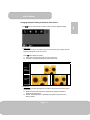
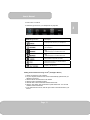
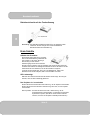
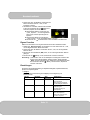
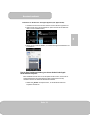
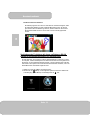
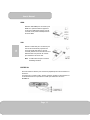
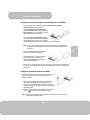
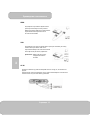
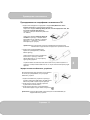
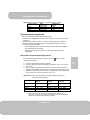
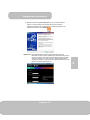
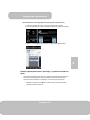
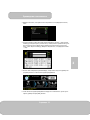
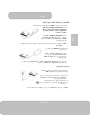
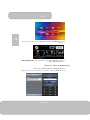
2. Verbinden Sie das iPhone 5 für eine
Spiegelprojektion (mit Lightning Anschluss)
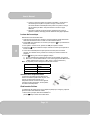
Verbinden Sie das iPhone 5, iPad 4, iPad
mini und iPod touch 5 über einen Lightning
Digital AV Adapter und einem A-zu-A Typ
HDMI Kabel mit dem Projektor.
iPhone 4S, 4, Neues iPad, iPad 2 und iPod touch (4) können mit dem Apple 30-Pin
Digital AV Adapter und einem A-zu-A Typ HDMI Kabel verbunden werden
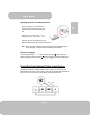
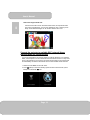
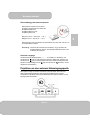
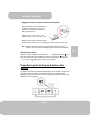
Aufladen von externen Mobilgeräten
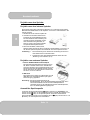
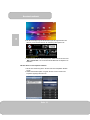
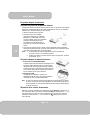
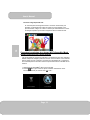
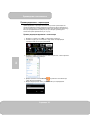
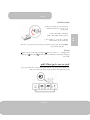
Der interne Akku des Projektors kann nicht nur für die
Projektion verwendet werden, sondern auch um Mobilgerät
aufzuladen.
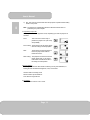
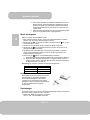
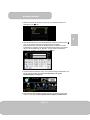
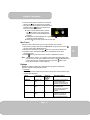
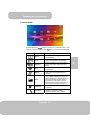
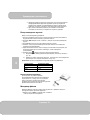
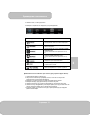
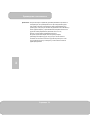
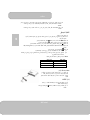
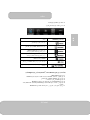
1. Verbinden Sie Ihr Mobilgerät über das USB-Kabel,
indem Sie den Typ A Stecker in den USB-Port an der
Rückseite des Projektors stecken.
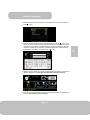
2. Nach dem Einschalten des Projektors wird das Gerät
automatisch aufgeladen.
3. Wenn der Projektor ausgeschaltet ist, drücken Sie bitte
auf die Quellen-Taste ( ), um mit der Aufladung zu
beginnen oder sie anzuhalten.
Anmerkung: Der Projektor stellt 5V/500 mA Ausgangsleistung für die Aufladung
von Mobilgeräten bereit.
Seite 13
DE
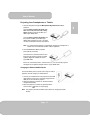
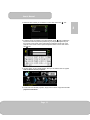
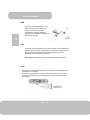
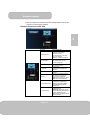
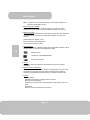
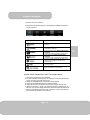
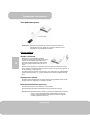
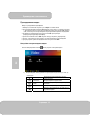
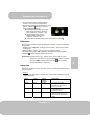
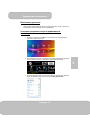
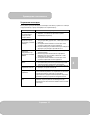
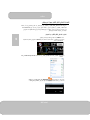
1. Verbinden Sie Smartphones für die Projektion, die MHL (Mobile High-Definition
Link) unterstützen.
Verbinden SieSamsung Galaxy S2, Note;
das neue HTC one, one X+, one X, one S;
oder Sony Xperia Z über ein MHL (A zu
USB D Typ HDMI) Kabel mit dem Projektor.