1
Other settings
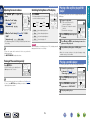
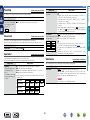
Switching between PAL and NTSC signal formats
Set the video signal format to be output for the TV you are using.
•The factory setting is “PAL”.
SOURCE SELECT 0
STATUS
SOURCE SELECT 1
“V.Format:<PAL>” appears on the display.
NOTE
The information displayed differs according to the input source.
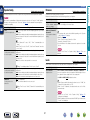
Dialogue normalization function
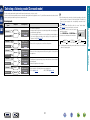
This function is automatically activated when playing Dolby Digital sources.
It automatically corrects the standard signal level for individual program sources.
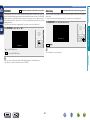
The correction value can be checked using STATUS on the main unit.
NOTE
When a format other than the video format of the connected TV is set, the picture will not be displayed
properly.
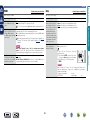
Offset: - 4dB
The figure is the corrected value. This cannot be changed.
DVD
45
Information
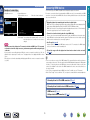
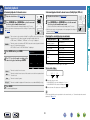
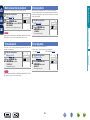
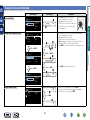
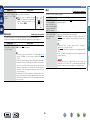
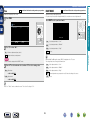
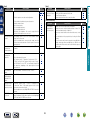
1 Press and hold STATUS and SOURCE SELECT 0 for at least 3 seconds.
2 Press SOURCE SELECT 0 1 and set the video signal format.
3 Press STATUS to complete the setting.
Advanced instructions
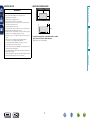
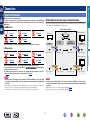
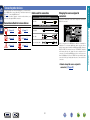
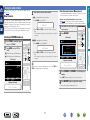
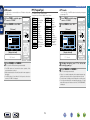
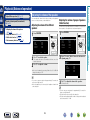
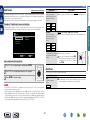
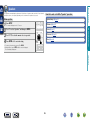
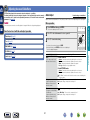
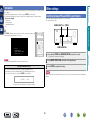
Press INFO to display current source name, volume, surround mode name, and
other information at the bottom of the screen.
Information
SOURCE:CBL/SAT
MODE :MULTI CH STEREO
Master Volume:
0.0
Basic instructions
Information
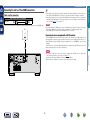
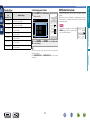
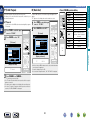
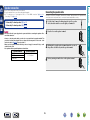
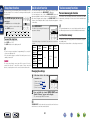
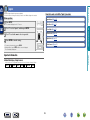
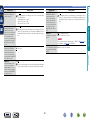
Information on the main unit’s various settings (Status) and on input signals (Audio Input Signal) is shown
on the display.
The information displayed changes each time you press STATUS on the main unit.
The information is displayed for several seconds before the display returns to its original condition.
GItems to be checkedH
•Input source
•Surround mode
•Input digital terminal
etc.