1
OM_Book.book Page 33 Tuesday, September 25, 2012 2:30 PM
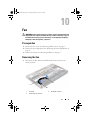
Replacing the Fan
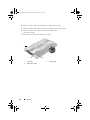
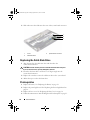
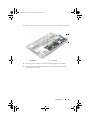
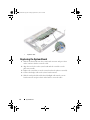
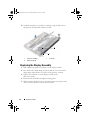
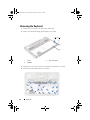
1 Align the screw holes on the fan with the screw holes on the
palm-rest assembly.
2 Replace the screws that secure the fan to the palm-rest assembly.
3 Connect the fan cable to the I/O board connector.
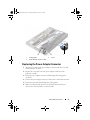
4 Route the power-adapter connector cable through the routing guides
on the fan.
5 Connect the power-adapter connector cable to the system-board connector.
6 Connect the I/O cable to the I/O board connector and system-board
connector.
Postrequisites
1 Replace the battery. See "Replacing the Battery" on page 18.
2 Replace the power-light board. See "Replacing the Power-Light Board" on
page 16.
3 Replace the base cover. See "Replacing the Base Cover" on page 14.
4 Follow the instructions in "After Working Inside Your Computer" on page 11.
Fan
33