1
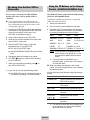
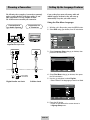
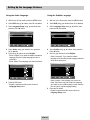
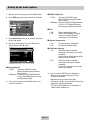
Using the Mark Function
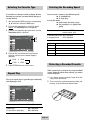
MP3/WMA Play
This feature lets you mark sections of a DVD so you can
quickly find them at a later time.
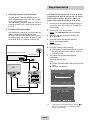
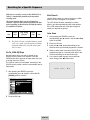
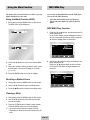
If you insert an MP3/WMA Disc into the DVD player,
you can see the folder directory.
Using the Mark Function (DVD)
• Select the desired folder in the root directory.
• Use the OK or ❿ll button to select the desired
folder.
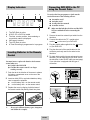
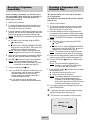
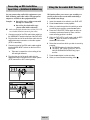
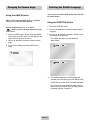
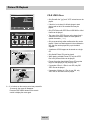
1 During play, press the MARK button on the remote.
The Mark icons will be displayed.
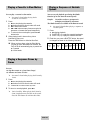
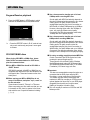
MP3/WMA Play Function
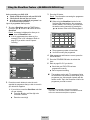
1 Press the OK or ❿ll button, the selected music file
will be played back.
Up to 8 music folders can be displayed at a time. If
you have more than 8 folders on a disc, press the
❷ button to display them on the screen.
Total : 1/2
ROOT
CLEAR
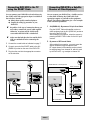
2 Use the ➛, ❿ buttons to move to the desired Mark
icon.
3 When you reach the scene you want to mark, press
the OK button. The icon will change to a number
(1, 2, or 3).
ROOT
20020822094
MP3
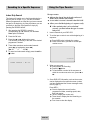
2 Use the ,❷ buttons to select the desired music
folder, then press OK.
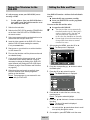
Press the ,❷ buttons again to select a music
file. Press the OK button to begin playback of a
music file.
4 Press the MARK button to turn off the display.
Total : 1/3
ROOT
20020822094
MP3
Recalling a Marked Scene
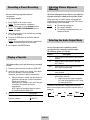
1 During play, press the MARK button on the remote.
2 Use the ➛, ❿ buttons to select a marked scene.
3 Press the ❿ll buttons to skip to the marked scene.
Clearing a Mark
1 During play, press the MARK button on the remote.
2 Use the ➛, ❿ buttons to select the mark number
you want to delete.
3 Press the CLEAR button to delete a mark number.
Press the MARK button to turn off the display.
➢ • Up to three scenes may be marked at a time.
• Depending on the disc, the mark function may not
work.
ENG-39
..
A
B
C