1
Operating 45
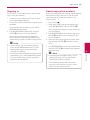
Signing in
Searching online content
To use the [LG Smart World] feature, you need to
sign in with your account.
If you are having difficulties finding specific content
from online services, you can use the all-in-one
search function by entering keywords in the
[Search] menu.
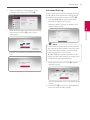
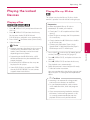
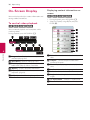
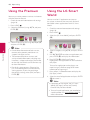
1. On the [LG Smart World] or [My Apps] screen,
press red (R) colored button.
2. Fill the [ID] and [Password] field using the virtual
keyboard.
If you do not have an account, press red (R)
colored button to register.
3.Use W/S/A/D to select [OK], and press
ENTER (b) to sign in with your account.
If you select the [Auto Sign In] check box,
your ID and password are remembered and
automatically signed in without entering them.
,,Note
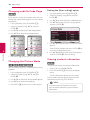
yy If you want to sign in with other account,
press red (R) colored button on [LG Smart
World] or [My Apps] screen, and select
[Change User] option.
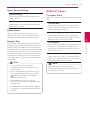
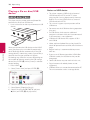
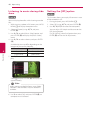
2. Select the [Search] icon on the home menu
using W/S/A/D, and press ENTER (b).
The [Search] menu appears on the screen with
virtual keyboard.
3.Use W/S/A/D to select letters then press
ENTER (b) to confirm your selection on the
virtual keyboard.
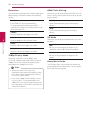
4. When you finish entering the keyword, select
[OK] and press ENTER (b) to display search
result.
5.Use W/S/A/D to select a desired content,
and press ENTER (b) to move to the selected
content directly.
,,Note
yy Depending on the region, the [LG Smart
World], [My Apps] service and [Search]
function may not be available.
yy The [Search] function does not search
content in every online services. It works
only in certain online services.
4
Operating
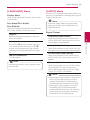
yy To view the information of your account and
applications, press red (R) colored button on
[LG Apps] or [My Apps] screen, and select
[Account Setting] option.
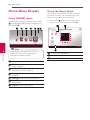
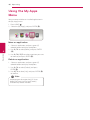
1. Press HOME ( ).