1
Sending photos or videos via email
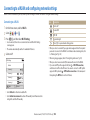
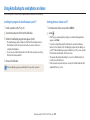
Setting an email password
Changing the email password
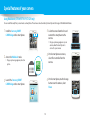
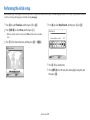
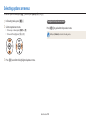
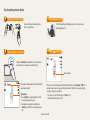
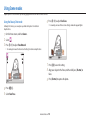
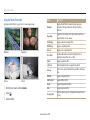
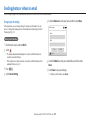
1 On the Home screen, scroll to <Wi-Fi>.
2 Select .
• The camera will automatically attempt to connect to a WLAN via the most
recently connected AP device.
• If the camera has not previously been connected to a WLAN, it will search for
available AP devices. (p. 102)
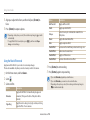
3 Press [m].
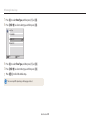
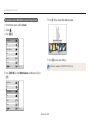
4 Select Setting Password → On.
• To deactivate the password, select Off.
5
When the pop-up appears, press [o].
• The pop-up disappears automatically even if you do not press [o].
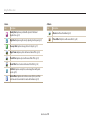
6 Enter a 4-digit password.
7 Enter the password again.
8 When the pop-up appears, press [o].
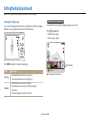
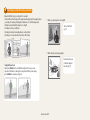
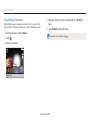
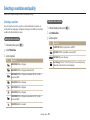
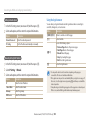
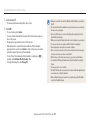
1 On the Home screen, scroll to <Wi-Fi>.
2 Select .
• The camera will automatically attempt to connect to a WLAN via the most
recently connected AP device.
• If the camera has not previously been connected to a WLAN, it will search for
available AP devices. (p. 102)
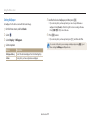
3 Press [m].
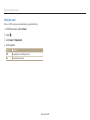
4 Select Change Password.
5 Enter your current 4-digit password.
6 Enter a new 4-digit password.
7 Enter the new password again.
8 When the pop-up appears, press [o].
If you lost your password, you can reset it by selecting Reset on the password
setting screen. When you reset the information the previously saved user’s setting
information, email address, and recently sent email list will be deleted.
Wireless network (ST150F/ST151F/ST152F only) 113