1
Appendix
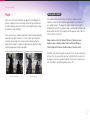
Maintaining the camera
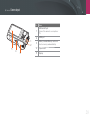
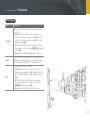
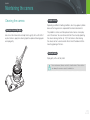
Cleaning the camera
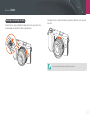
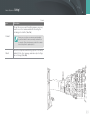
Camera lens and display
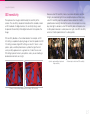
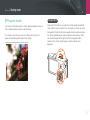
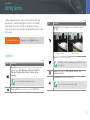
Use a brush to remove dust and wipe the lens gently with a soft cloth. If
any dust remains, apply lens cleaning liquid to a piece of cleaning paper
and wipe gently.
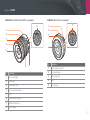
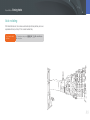
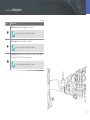
Image sensor
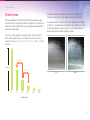
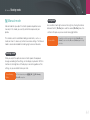
Depending on different shooting conditions, dust may appear in photos
because the image sensor is exposed to the external environment.
This problem is normal, and the exposure to dust occurs in everyday
use of the camera. You can remove dust from the sensor by operating
the sensor cleaning function. (p. 101) If dust remains after cleaning
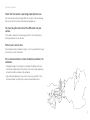
the sensor, contact a service center. Do not insert the blower into the
mounting opening of the lens.
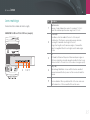
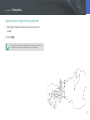
Camera body
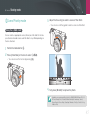
Wipe gently with a soft, dry cloth.
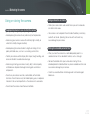
Never use benzene, thinners or alcohol to clean the device. These solutions
can damage the camera or cause it to malfunction.
121