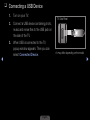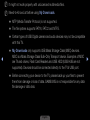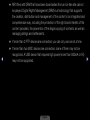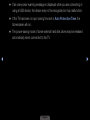
1
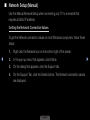
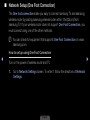
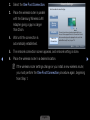
2.Select the One Foot Connection.
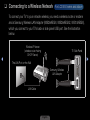
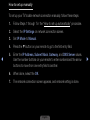
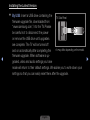
3.Place the wireless router in parallel
with the Samsung Wireless LAN
Adapter giving a gap no larger
than 25cm.
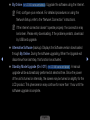
4. Wait until the connection is
automatically established.
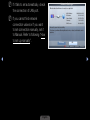
Network Settings
Select a network connection type.
Wired
Wireless
(general)
WPS(PBC)
One Foot
Connection
Connect to wireless network automatically if your
Access Point supports One Foot Connection. Select
this connection type after placing the Access Point
within 10 inches(25 cm) of your TV.
U Move
E Enter
R Return
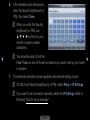
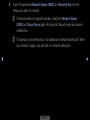
5. The network connection screen appears, and network setting is done.
◀
6. Place the wireless router in a desired location.
NN If the wireless router settings change or you install a new wireless router,
you must perform the One Foot Connection procedure again, beginning
from Step 1.
English
▶