1
3
4
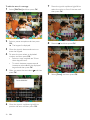
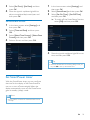
Select [Set Time] / [Set Date], and then
press OK.
Move the joystick up/down/right/left to
adjust minute/hour/day/month/year, and
then press OK.
1
2
3
Set time/date format
1
2
3
4
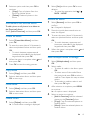
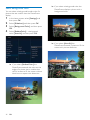
In the home screen, select [Settings] and
then press OK.
Select [SmartPower], and then press OK.
Select [Set On-Time] / [Set Off-Time],
and then press OK.
»» To switch off the SmartPower function,
select [Off] and then press OK.
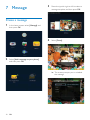
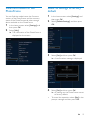
In the home screen, select [Settings] and
then press OK.
Select [Time and Date], and then press
OK.
Select [Select Time Format] / [Select Date
Format], and then press OK.
Select a format, and then press OK.
4
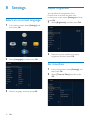
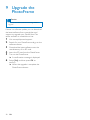
Move the joystick up/down/right/left to set
time, and then press OK.
Tip
•• When the PhotoFrame is in standby (sleep) mode, you
can press
to wake up the PhotoFrame.
Set SmartPower timer
With the SmartPower timer, you can configure
the time for the display of the PhotoFrame to
turn on or turn off automatically. When the
display automatically turns off, the PhotoFrame
goes to standby (sleep) mode.
Note
•• Ensure that the current time of the PhotoFrame is set
correctly.
EN
23