1
EB-DMC-LX3_eng.book 110 ページ
2008年7月14日 月曜日 午後7時38分
Advanced (Playback)
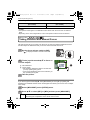
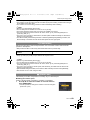
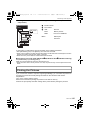
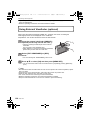
P [PROTECT]
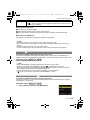
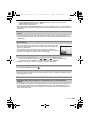
You can set protection for pictures you do not want to be deleted by mistake.
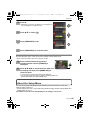
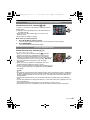
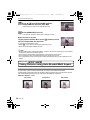
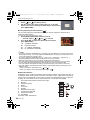
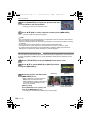
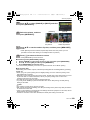
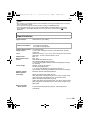
1
Select [PROTECT] on the [PLAYBACK] mode menu. (P23)
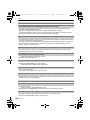
2
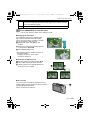
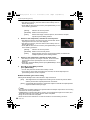
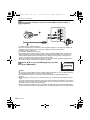
Press 3/4 to select [SINGLE] or [MULTI] and then
press [MENU/SET].
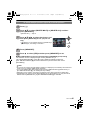
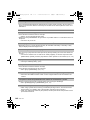
3
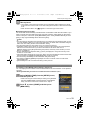
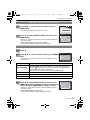
Select the picture, and then
press [MENU/SET].
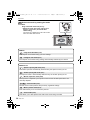
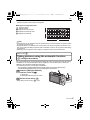
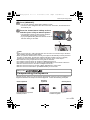
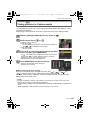
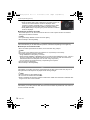
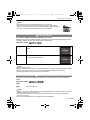
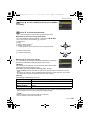
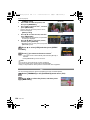
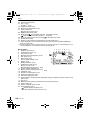
[SINGLE]
[MULTI]
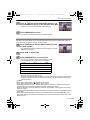
When [MULTI] has been selected
• Repeat these steps for each picture.
• The settings are cancelled when [MENU/
SET] is pressed again.
Press 2/1 to select Press 3/4/2/1 to
the picture.
select the pictures.
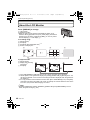
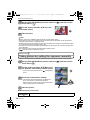
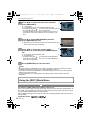
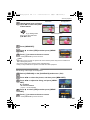
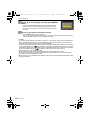
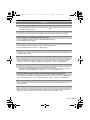
4
Press [‚] to return to the menu screen.
• Press [MENU/SET] to close the menu.
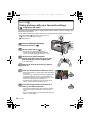
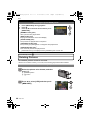
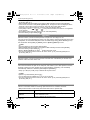
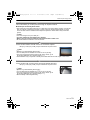
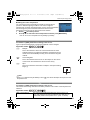
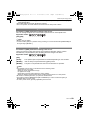
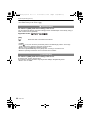
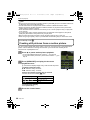
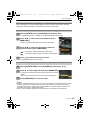
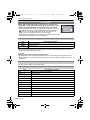
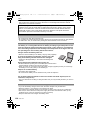
∫ Cancelling all the [PROTECT] settings
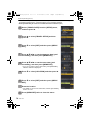
1 Select [CANCEL] on the screen shown in step 2 and then press [MENU/SET].
2 Press 3 to select [YES] and then press [MENU/SET].
3 Press [MENU/SET] to close the menu.
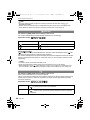
• If you press [MENU/SET] while cancelling protection, the cancelling will stop halfway.
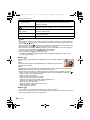
Note
• The protect setting may not be effective on other equipment.
• Even if you protect pictures in the built-in memory or a card, they will be deleted if the built-in
memory or the card is formatted.
• Even if you do not protect pictures on an SD Memory Card or an SDHC Memory Card, they
cannot be deleted when the card’s Write-Protect switch is set to [LOCK].
110
VQT1T39