1
Gigaset DL500A / GRC EN / A31008-N3103-T101-2-7619 / directories.fm / 20.01.11
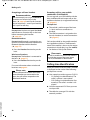
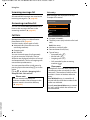
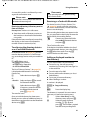
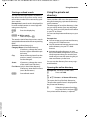
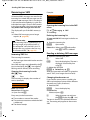
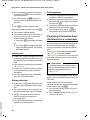
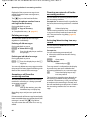
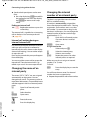
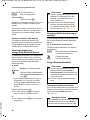
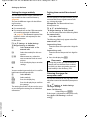
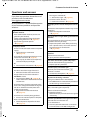
Using directories
Using other functions
Prerequisite: The directory was opened
while the base was in idle status.
§Options§
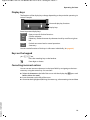
Press the display key.
You can select the following functions
with q:
Display Number
Select a number from the entry as
required and press the display key §Dial§.
Edit or add to the saved number and then
dial with c or save as a new entry; for
the latter, press the display key Ó after
the number is displayed.
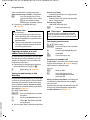
Delete Entry
Delete the selected entry.
Copy Entry
– to Internal: Send a single entry to a
handset (page 40).
– vCard via SMS: Send a single entry in
vCard format via SMS.
– vCard via Bluetooth: Send a single
entry in vCard format via Bluetooth.
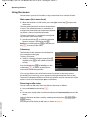
Editing entries
s
¢ s (Select entry).
§View§ §Edit§
¤
Press the display keys one after
the other.
Perform changes and save.
Version 4, 16.09.2005
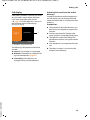
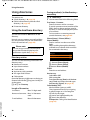
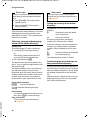
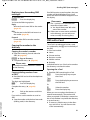
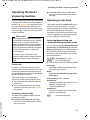
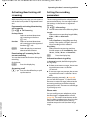
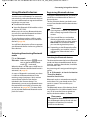
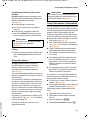
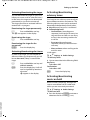
Using other functions
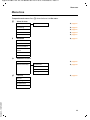
When the base is in idle status:
s ¢ s (Select entry)
¢ §Options§ (Open menu)
You can select the following functions
with q:
Display Number
(see above/page 40)
Edit Entry
Edit selected entry.
Delete Entry
Delete selected entry.
Copy Entry
(see above/page 40)
40
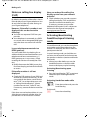
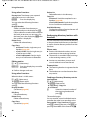
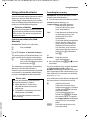
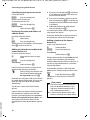
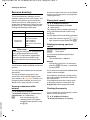
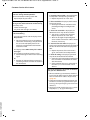
Delete List
Delete all entries in the directory.
Copy List
to Internal: Send the complete list to a
handset (page 40).
vCard via Bluetooth: Send the complete
list in vCard format via Bluetooth.
Available Memory
Display the number of entries that are still
available in the directory.
Exchanging directory/entries with
handsets
You can send entries from the local directory
or the complete local directory to handsets
as well as receive directory entries from the
handsets.
Please note:
u Entries with identical numbers are not
overwritten on the receiving handset.
u The transfer is cancelled if the base rings
or the receiving memory is full.
u Anniversary reminders, pictures and
sounds entered are not transferred.
Prerequisites:
u The receiving handset is registered to the
base.
u The handset can send and receive directory entries.
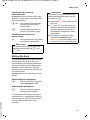
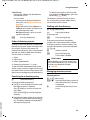
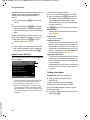
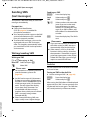
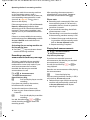
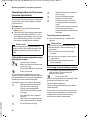
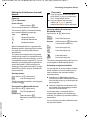
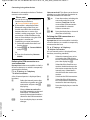
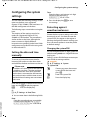
Sending a directory/directory entries
to a handset
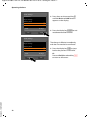
s ¢ s (Select entry)
¢ §Options§ (Open menu)
¢ Copy Entry / Copy List
¢ to Internal
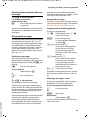
s
Select the internal number of
the receiving handset and
press §OK§.
The transfer begins.
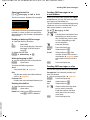
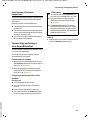
You can transfer several individual entries
one after the other by responding to the
Entry copied - Copy next entry? prompt
with §Yes§, selecting the entry and §Copy§, or
pressing the middle of the control key w.