1
Linux printing
Some features may not be available depending on models or
options. It means that the features are not supported.
4. Special features
4
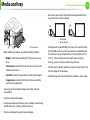
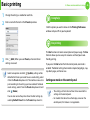
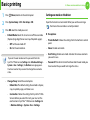
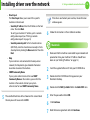
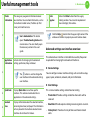
Change the print job properties using the following four tabs
displayed at the top of the window.
•
13
Printing from applications
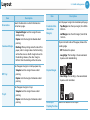
General: Changes the paper size, the paper type, and the
orientation of the documents. It enables the duplex
feature, adds start and end banners, and changes the
number of pages per sheet.
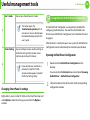
Automatic/manual duplex printing may not be available
depending on models. You can alternatively use the lpr
printing system or other applications for odd-even printing.
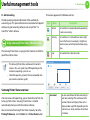
There are a lot of Linux applications that allow you to print using
Common UNIX Printing System (CUPS). You can print on your
machine from any such application.
1
2
3
85
•
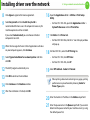
Text: Specifies the page margins and set the text options,
such as spacing or columns.
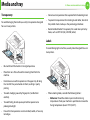
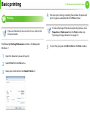
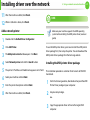
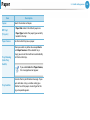
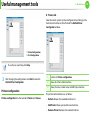
Select Print directly using lpr.
•
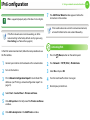
In the LPR GUI window, select the model name of your
machine from the printer list and click Properties.
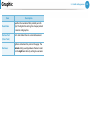
Graphics: Sets image options that are used when printing
image files, such as color options, image size, or image
position.
•
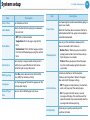
Advanced: Sets the print resolution, paper source, and
destination.
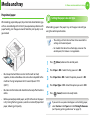
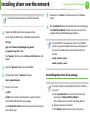
Open an application, and select Print from the File menu
5
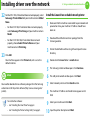
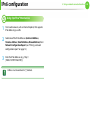
Click Apply to apply the changes and close the Properties
window.
6
Click OK in the LPR GUI window to start printing.