1
English
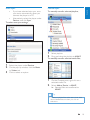
Use bookmarks
On an audiobook, you can add up to 10
bookmarks to the play time. Start play from the
bookmarked play time as needed.
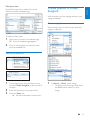
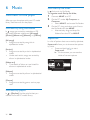
To add a bookmark,
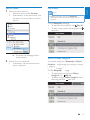
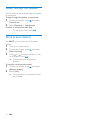
1
On the play screen, press and select
[Bookmarks] > [Add bookmark].
2
Select a location.
» Current play time is added to the
location in the list of bookmarks.
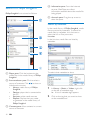
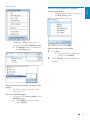
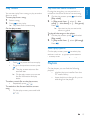
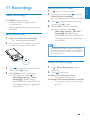
To play from a bookmarked play time,
• On the play screen, press and
select [Bookmarks] > [Go to
bookmark]. Select an option.
» Play starts from the selected play
time.
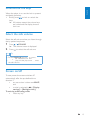
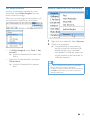
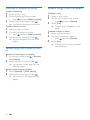
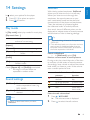
To delete a bookmark,
• On the play screen, press and
select [Bookmarks] > [Delete
bookmark]. Select an option.
» You remove the play time from
the list of bookmarks.
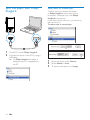
Delete audiobooks from the
player
•
On the play screen, press >
[Delete Audiobook].
» Current audiobook is deleted
from the player.
EN
31