1
PT-7828 User’s Manual
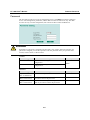
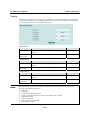
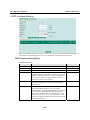
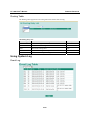
Priority
Featured Functions
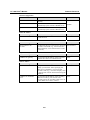
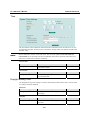
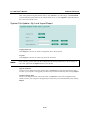
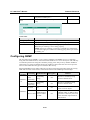
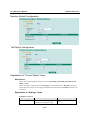
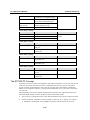
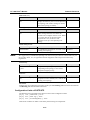
Determines priority in a VRRP group. The priority value 100
range is 1 to 255 and the 255 is the highest priority. If
several L3 switches / routers have the same priority, the
router with higher IP address has the higher priority. The
usable range is “1 to 255”.
Static Route
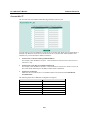
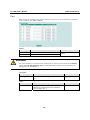
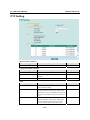
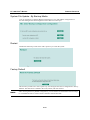
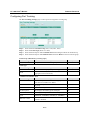
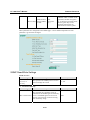
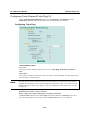
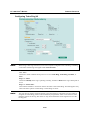
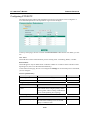
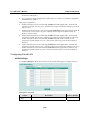
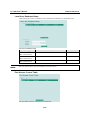
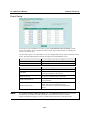
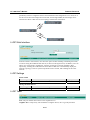
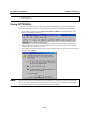
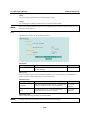
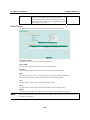
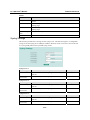
The Static Route page is used to set up the PT-7828’s static routing table.
Destination Address
Use this option to specify the destination’s IP address.
Subnet Mask
Use this option to specify the subnet mask for this IP address.
Next Hop
Use this option to specify the next router along the path to the destination.
Metric
Use this option to specify the cost you must pay to access the neighboring network.
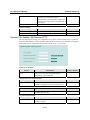
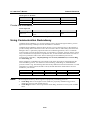
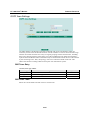
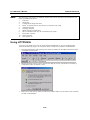
Three action buttons are available for setting up the Static Routing Table:
Add
Use this button to add an entry to the Static Routing Table
Delete
Use this button to remove the selected entries from the Static Routing Table
Modify
Use this option to modify the content of a selected entry in the Static Routing Table
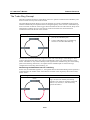
NOTE
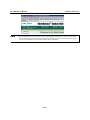
The entries in the Static Route Table will not be added into the PT-7828’s routing table until you
click the Activate button.
3-89