1
47
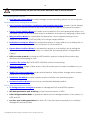
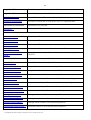
Change Partition ID…
Change identifier of the selected partition
Make Partition Primary…
Make the selected partition Primary
Make Partition Logical…
Make the selected partition Logical
Wipe Partition…
Irreversibly destroy all on-partition information
Clear Free Space…
Destroy any remnants of deleted files/directories left on disk
Test Surface…
Test surface of the selected partition/block of free space
Check File System
Check the selected partition for possible file system errors
Integrity…
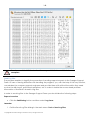
Edit/View Sectors…
View/edit sectors of the selected partition
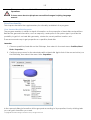
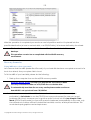
Properties…
Get in-depth information on the properties of selected partition
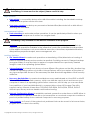
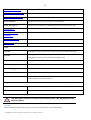
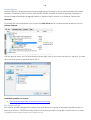
View
Layouts
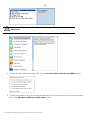
Manage the Launcher layout with several predefined profiles
Toolbar
Manage the Tool Bar representation: show / hide standard and
navigation buttons, text labels and large icons
Status Bar
Display the Status Bar
Common Tasks Bar
Display the Common Tasks Bar
Disk Map Legend
Display the Disk Map legend
Properties and Commands
Display the Explorer Bar
Disk Map Location
Select whether the Disk Map will be located on the top of the
main window or at the bottom
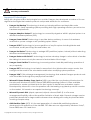
Help
Help
Open the Help system (you can also do it by pressing F1)
About
Open the dialog with information about the program
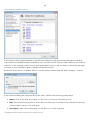
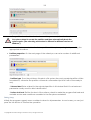
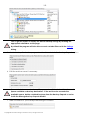
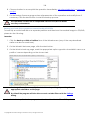
The Main Menu contents available at the moment may vary depending on the
selected object.
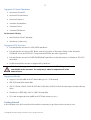
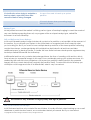
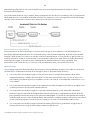
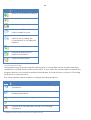
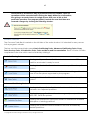
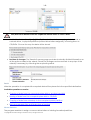
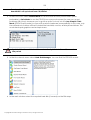
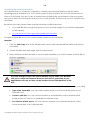
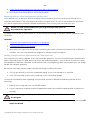
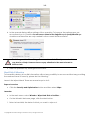
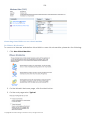
Tool Bar
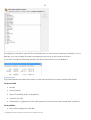
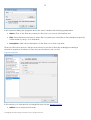
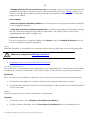
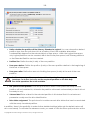
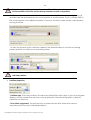
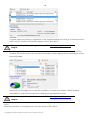
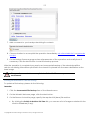
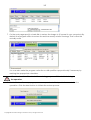
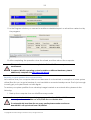
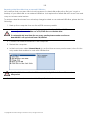
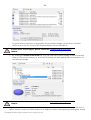
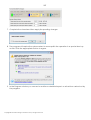
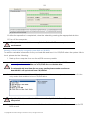
The Toolbar provides fast access to the most frequently used operations:
Copyright© 1994-2010 Paragon Software Group. All rights reserved.