1
Setup and Registration
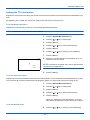
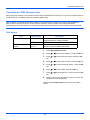
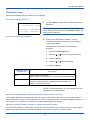
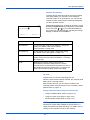
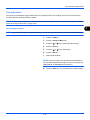
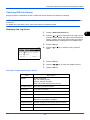
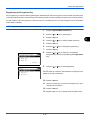
Operation at the Sending System
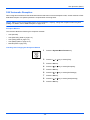
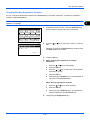
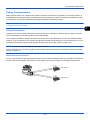
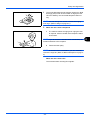
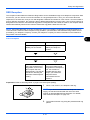
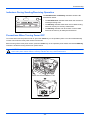
When sending originals by encrypted transmission, use the Address Book registered for encryption or set encrypted
transmission when dialing directly using the numeric keys.
NOTE: Encrypted transmission can be also used in broadcast transmission.
With encryption communication, you cannot conduct sub address communication.
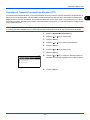
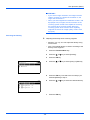
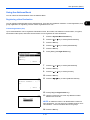
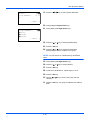
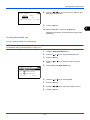
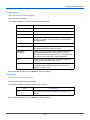
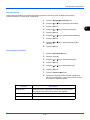
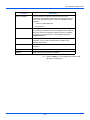
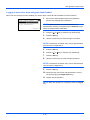
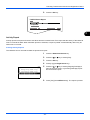
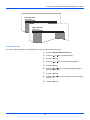
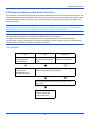
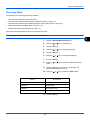
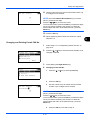
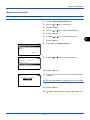
FAX No. Entry:
0123456789*
[ Chain
A b
] [ Detail ]
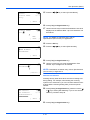
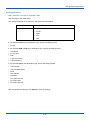
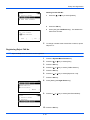
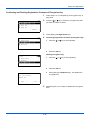
FAX Detail:
C b
Encrypted TX: 2/ 4
Key 02
0000
[ Change ]
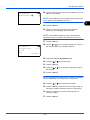
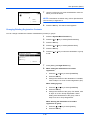
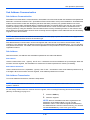
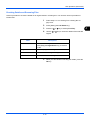
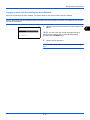
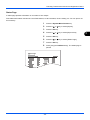
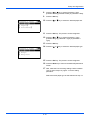
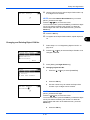
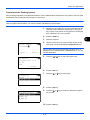
Encryption:
a b
1 *Off
2 On
*********************
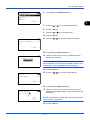
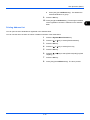
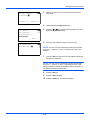
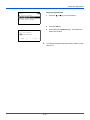
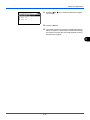
Encryption Key:
a b
1
---------------*********************
2 *Key 02
3 Key 03
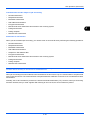
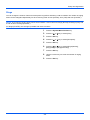
1
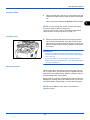
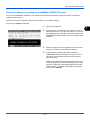
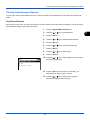
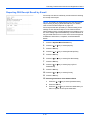
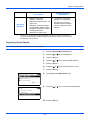
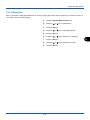
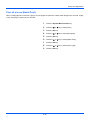
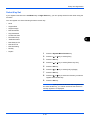
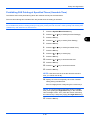
Register the encryption key you have arranged with the
receiving system. (Refer to Registering an Encryption
Key on page 6-25.) When an encryption key has already
been registered, go to the next step.
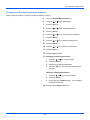
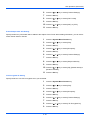
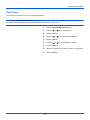
2
Press the FAX key.
3
Place the originals.
4
Use the numeric keys to enter the FAX number of the
other party, and press [Detail] (the Right Select key).
NOTE: When encrypted transmission has been set to a
destination in the Address Book or One-touch keys, you can
use the destination.
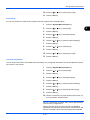
5
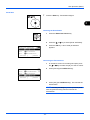
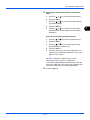
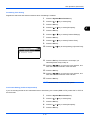
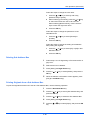
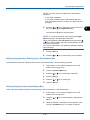
Press the Y or Z key to select [Encrypted TX].
6
Press the OK key.
7
Press the U or V key to select [On].
8
Press the OK key.
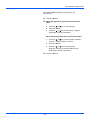
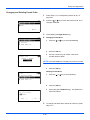
9
Press the U or V key to select the desired encryption
key number.
10 Press the OK key.
6-27
6