1
E3TK6BD_EN.book
Page 75
Wednesday, February 17, 2010
10:18 AM
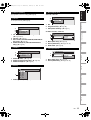
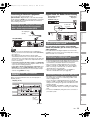
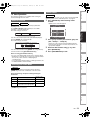
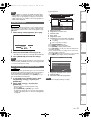
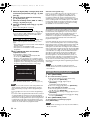
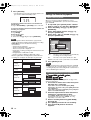
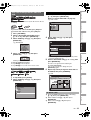
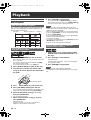
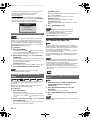
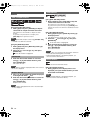
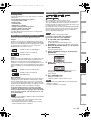
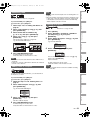
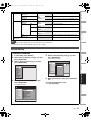
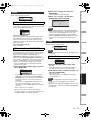
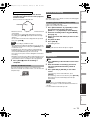
One-touch Timer Recording will start.
0:30
8:00
1:00
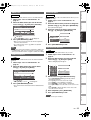
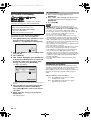
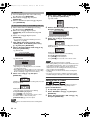
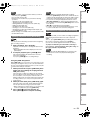
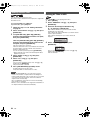
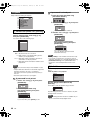
• Insert a recordable videotape.
• Make sure your DVC is in video mode.
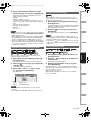
Press [INPUT SELECT F] repeatedly to select
the external input channel, then press
[PROG. G \ H] repeatedly to select DV(AV3).
2
Select the recording mode using [REC MODE].
(See page 74.)
3
Stop or pause the DVC where you want to start
dubbing.
4
5
Play back the DVC.
Note
• Dubbing will start from where the tape is stopped.
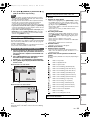
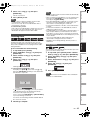
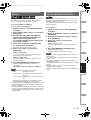
Search
Index Search
VCR
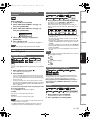
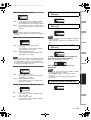
1
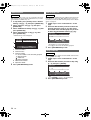
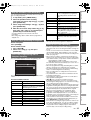
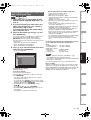
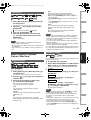
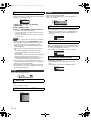
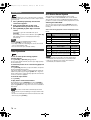
Press [SEARCH] so that the index search menu
appears.
2
Enter the number of recordings you want to
skip using [the Number buttons] within 30
seconds.
3
Press [FWD D] or [REV E] to start index
search.
Editing
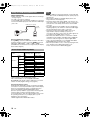
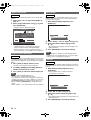
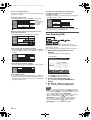
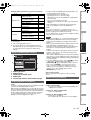
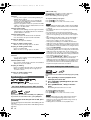
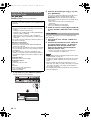
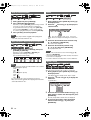
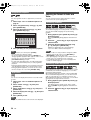
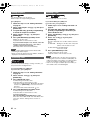
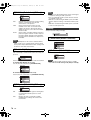
To prevent accidental recording on a recorded cassette,
remove its record tab. To record on it later, cover the hole with
cellophane tape.
The dubbing will start.
Note
Playback
Prevent accidental erasure
Press [REC I].
Recording
Press [STOP C] when the recording is
completed.
Basic Setup /
TV View Operation
1
7:30
• Only PAL recording is available for VCR.
• The remaining recording time will appear on the TV screen
during One-touch Timer Recording. Press [DISPLAY] to see
it on the TV screen.
• If VCR One-touch Timer Recording is completed during
HDD/DVD playback or recording, the VCR will be in stop
mode and the HDD/DVD keeps the current mode.
• You cannot use the pause function during One-touch Timer
Recording.
• When One-touch Timer Recording is finished and the power
is turned off, the unit will switch to the timer-standby mode
automatically if a timer recording has been programmed.
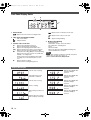
If you want to go in the forward direction, press
[FWD D].
If you want to go in the reverse direction, press [REV E].
After index search, the VCR will play back the tape
automatically.
Note
VCR Functions
• This function is not available during recording.
• Every time a tape is recorded, an index mark is written on
the tape.
• You can make the index mark up to 20.
Function Setup
Record tab
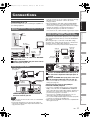
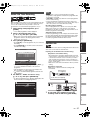
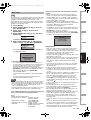
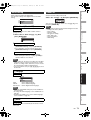
This function helps you to dub the contents in the DVC (digital
video camcorder) to VCR.
Preparing for DV dubbing (DVC to VCR):
• When the unit reaches the specified time, it will be turned off
automatically.
• To change the recording length during One-touch Timer
Recording, press [REC I] repeatedly until desired length
appears.
• To cancel One-touch Timer Recording within the specified
time, press [STOP C].
5
VCR
Connections
Normal Recording
DVC to VCR Dubbing
Introduction
One-touch Timer Recording:
Press [REC I] repeatedly until the desired
recording time (30 minutes to 8 hours) appears
on the TV screen.
Others
EN
75