1
As1400.book Page 12 Monday, April 15, 2002 4:07 PM
12
Getting familiar with your computer
Indicators
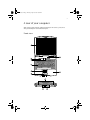
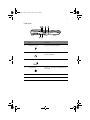
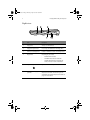
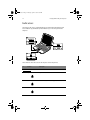
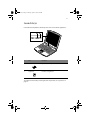
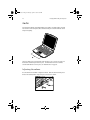
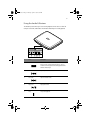
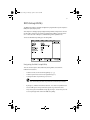
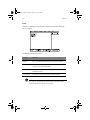
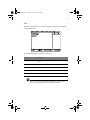
The computer has easy-to-read lock indicators (A) found above the keyboard, and
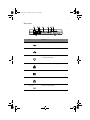
status indicators (B) and Audio DJ mode indicators (C) on the front panel of the
computer.
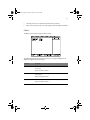
These indicators show the status of the computer and its components.
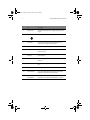
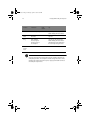
#
Function
Description
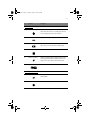
A. Lock indicators
1
Caps lock
Caps Lock is activated.
2
Num lock
Numeric Lock (for embedded keypad) is activated.
3
Scroll lock
Scroll Lock is activated.