1
USING YOUR WRIST SHAKER
SOS message
The PowerTel 680 telephone has a pre-recorded SOS message which you can
use, or you can record your own personal emergency message.
The pre-recorded emergency message is: “This is an emergency call, to accept
this message press 0.”
Record a personal SOS message
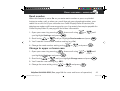
When you activate an emergency call each of the numbers stored under the
M1, M2 and M3 buttons on your PowerTel 680 telephone are repeatedly dialled
in turn until one of the numbers is answered. Your emergency message is then
played.
It is very important that in your personal emergency message you include:
-
Your name and that the call is an emergency and you need help
That the person must press ‘0’ on their telephone keypad to accept the
emergency call.
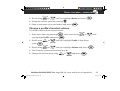
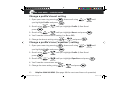
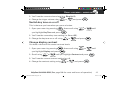
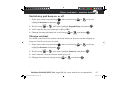
1. Press the
button and then press the
button to scroll to
SOS Message.
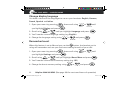
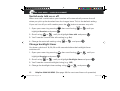
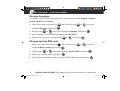
2. Press the
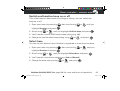
3. Use the
96
button to select.
button to scroll to Record.
Helpline 0844 800 6503 (See page 108 for costs and hours of operation)
9483 PowerTel 680 UG [4].indd 96
12.05.10 14:27