1
4.10.4 Setting a Job Group
Admin
Tool
Central
Admin
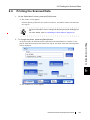
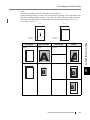
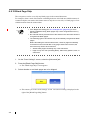
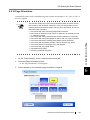
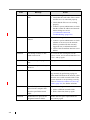
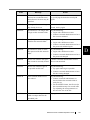
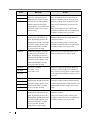
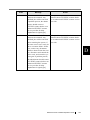
A job group is a group assigned with the job menu set in "4.10.3 Setting a Job Menu" (page 162).
Users associated with a group can use its job menu.
For example, the "Sample Menu" is assigned to Group A. User C, associated with Group A, has
access to the "Sample Menu".
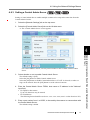
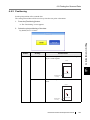
■ Adding a job group
This section describes how to add a job group.
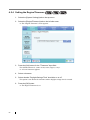
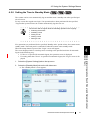
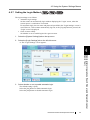
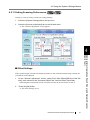
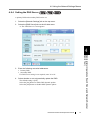
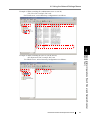
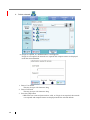
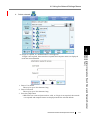
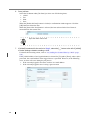
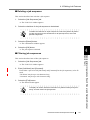
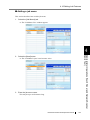
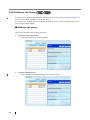
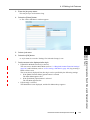
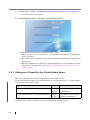
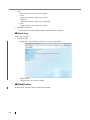
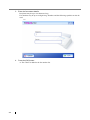
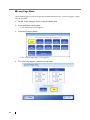
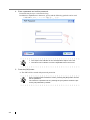
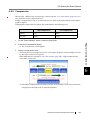
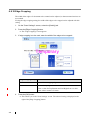
1. Select the [Job Groups] tab.
⇒ The "Job Groups List" window appears.
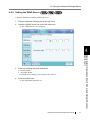
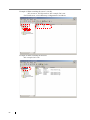
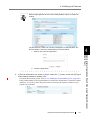
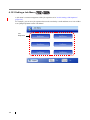
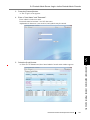
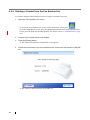
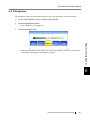
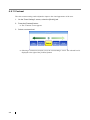
2. Select the [New] button.
⇒ The "Settings For Selected Group(s)" area become active.
168