1
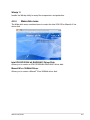
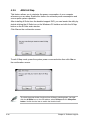
Quit all Windows® applications before you update the BIOS using this utility.
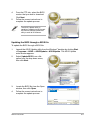
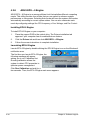
Updating the BIOS through the Internet
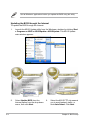
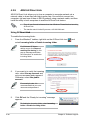
To update the BIOS through the Internet:
3-2
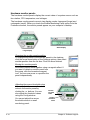
1.
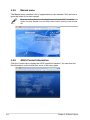
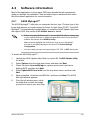
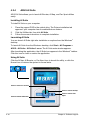
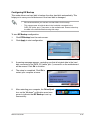
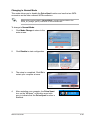
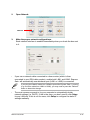
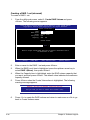
Launch the ASUS Update utility from the Windows® desktop by clicking Start
> Programs > ASUS > ASUSUpdate > ASUSUpdate. The ASUS Update
main window appears.
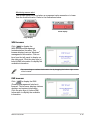
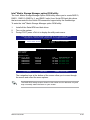
2.
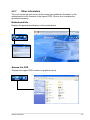
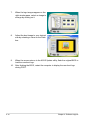
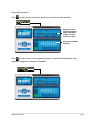
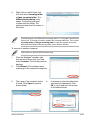
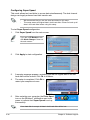
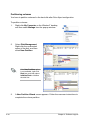
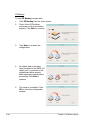
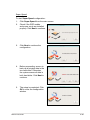
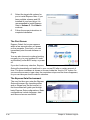
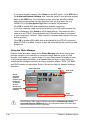
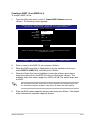
Select Update BIOS from the
Internet option from the drop‑down
menu, then click Next.
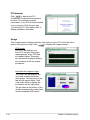
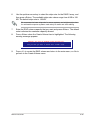
3.
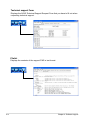
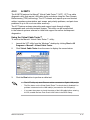
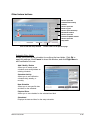
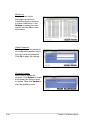
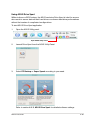
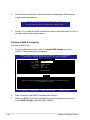
Select the ASUS FTP site nearest
you to avoid network traffic, or
click Auto Select. Click Next.
Chapter 3: BIOS setup