1
Disc Operations
English
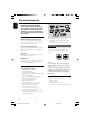
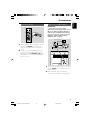
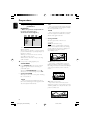
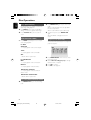
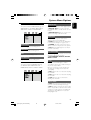
Zoom (DVD/VCD/JPEG)
1
2
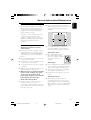
Zooming allows you to enlarge or reduce the
video image during playback.
Press ZOOM on the remote repeatedly to
enlarge or reduce the playback video image.
Press 22/33/5/4 to pan across the TV
screen.
2
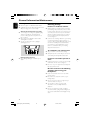
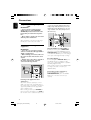
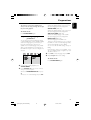
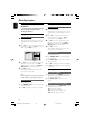
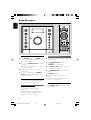
Press REPEAT A-B again at your chosen end
point.
➜ The section A and B can be set only within
the same chapter/track.
➜ The section will now repeat continuously.
3
To exit the sequence, press REPEAT A-B
again.
➜ “A-B CANCEL” is displayed on the TV
screen.
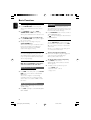
Repeat and shuffle modes
(DVD/VCD/CD/MP3/WMA)
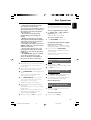
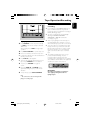
Program (not for Picture CD)
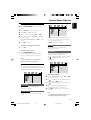
● Press MODE repeatedly to choose a repeat
mode during playback.
To select favourite tracks/chapters for playback in
preferred sequence.
For DVD
CHAPTER
– to repeat playback of the current chapter.
TITLE
– to repeat playback of the current title.
OFF
– switches off the repeat mode.
For VCD/MP3/CD
REP 1
– to repeat playback of the current track.
REP ALL
– to repeat playback of the whole disc.
1
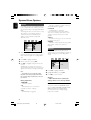
Press PROG/ANGLE on the remote to enter
the program mode.
2
Use the Numerical Keypad (0-9) to directly
input the tracks or chapters.
3
4
Press OK to confirm.
Press 2; to start playback.
REPEAT ALL SHUFFLE
– to repeat playback of the whole disc in
random order.
REPEAT ALL SHUFFLE OFF
– switches off the repeat mode.
Repeat A-B (DVD/VCD/CD/MP3/WMA)
1
Press REPEAT A-B at your chosen starting
point.
24
pg001-pg037_MCD196-98-Eng
24
30/1/07, 16:40