1
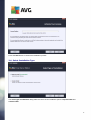
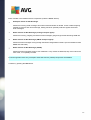
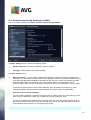
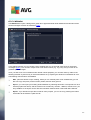
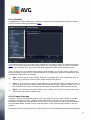
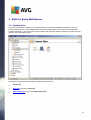
Basic overview of the individual server components (under the Server branch):
Anti-Spam Server for MS Exchange
Checks all incoming email messages and marks unwanted emails as SPAM. It uses several analyzing
methods to process each email message, offering maximum possible protection against unwanted
email messages.
Email Scanner for MS Exchange (routing Transport Agent)
Checks all incoming, outgoing and internal email messages going through the MS Exchange HUB role.
Email Scanner for MS Exchange (SMTP Transport Agent)
Checks all email messages coming through the MS Exchange SMTP interface (can be installed for both
EDGE and HUB roles).
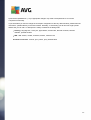
Email Scanner for MS Exchange (VSAPI)
Checks all email messages stored in user mailboxes. If any viruses are detected, they are moved to the
Virus Vault, or completely removed.
For Exchange 2003 users only Anti-Spam and Email Scanner (VSAPI) components are available.
Continue by pressing the Next button.
10